

Top 8 Salesforce Email Productivity Tools in 2026
Compare the best Salesforce email productivity tools in 2026. Discover top solutions for email sync, AI automation, activity tracking, and CRM efficiency.
How email activity syncs from Gmail or Outlook straight into a Salesforce pipeline
Sales reps lose hours every week copying emails, meeting notes, and call logs into Salesforce by hand. That’s time they could spend selling. The global CRM market is projected to reach $126.17 billion in 2026, growing at a 12.40% CAGR toward $320.99 billion by 2034, according to DemandSage. A large share of that spend now goes toward tools that close the gap between where sales reps actually work, their inbox, and where sales data needs to live, the CRM.
This list ranks the eight strongest Salesforce email productivity tools and activity-capture tools for 2026. These aren’t full CRM suites like Salesforce Sales Cloud or HubSpot’s core platform. They’re the layer that sits on top of Gmail, Outlook, or Salesforce itself and makes sure every email, meeting, and reply gets logged without a rep lifting a finger.
What to Look for in a Salesforce Email Productivity Tool
Not every tool on this list solves the same problem the same way. Before ranking them, it helps to know what actually separates a good pick from a mediocre one:
- Native Salesforce sync depth: does it write directly to Salesforce objects (contacts, opportunities, activities) or just export CSV reports?
- Gmail and Outlook compatibility: reps shouldn’t have to change how they already check email.
- AI-driven insight, not just tracking: open and click alerts are table stakes now, not a differentiator.
- Pricing transparency: hidden per-seat add-ons add up fast for growing teams.
- Ease of admin setup: a tool that takes a consultant to configure won’t get adopted.
That last point matters more than most buying guides admit. DemandSage’s 2026 CRM statistics report found that 55 to 70% of CRM implementations fail to meet their original objectives, and the leading cause isn’t the software itself. It’s poor user adoption and misalignment between sales, marketing, and ops teams. A tool with excellent features that nobody actually uses is worse than a simpler one that gets adopted day one.
1. Cirrus Insight
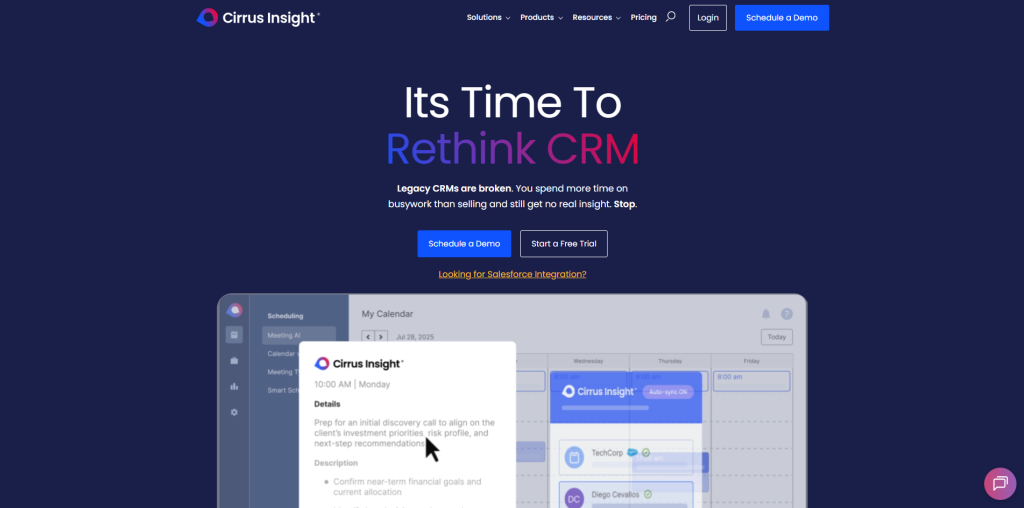
Cirrus Insight’s dashboard showing real-time email engagement synced to a Salesforce pipeline
Cirrus Insight tops this list because it treats email productivity as a full sales operating system rather than a single feature bolted onto Gmail. The platform organizes its work around five core capability areas: selling smarter with AI-driven prioritization, building pipeline through automated prospecting workflows, positioning to win with deal intelligence, driving revenue through meeting scheduling and follow-up automation, and cutting administrative busywork through activity capture that requires no manual entry.
What separates Cirrus Insight from most tools on this list is the depth of its two-way sync. Emails, meetings, and replies move between Gmail, Outlook, Microsoft Teams, and Salesforce automatically, in both directions, so reps never have to switch tabs to update a deal record. Enterprise customers including Discover, Walmart, and Samsung run sales teams on it, and it currently holds a 4.2-out-of-5 rating across more than 1,500 reviews on G2. For teams that have already standardized on Salesforce and want their AI-powered automation for sales workflows to actually reduce admin work instead of adding another dashboard, it’s the strongest starting point on this list.
2. Yesware
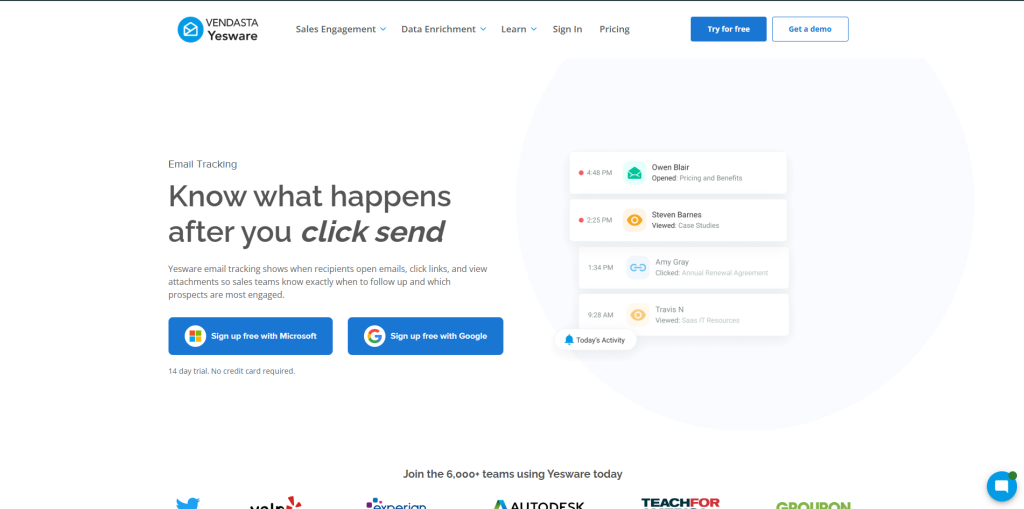
Yesware built its reputation on Salesforce-centric email sequences and granular tracking. It can tell a rep which page of a PDF proposal a prospect actually opened, which is a level of detail few competitors match. The platform includes templates, a meeting scheduler, and attachment-level analytics, with pricing that runs from roughly $15 to $65 per seat per month depending on tier. It’s a solid fit for teams that want tracking precision above all else, though its Salesforce sync isn’t quite as deep as Cirrus Insight’s five-pillar approach.
3. Revenue Grid
Revenue Grid comes closest to matching Cirrus Insight on raw feature overlap. It runs as a Salesforce sidebar with automatic activity capture and built-in scheduling, priced around $30 per user per month. It holds a strong 4.6-out-of-5 rating across 573 G2 reviews, reflecting genuine user satisfaction with its capture accuracy. Teams already deep into Salesforce customization sometimes prefer it for that reason, though it lacks the broader five-pillar framework that spans prospecting through deal intelligence.
4. Mixmax
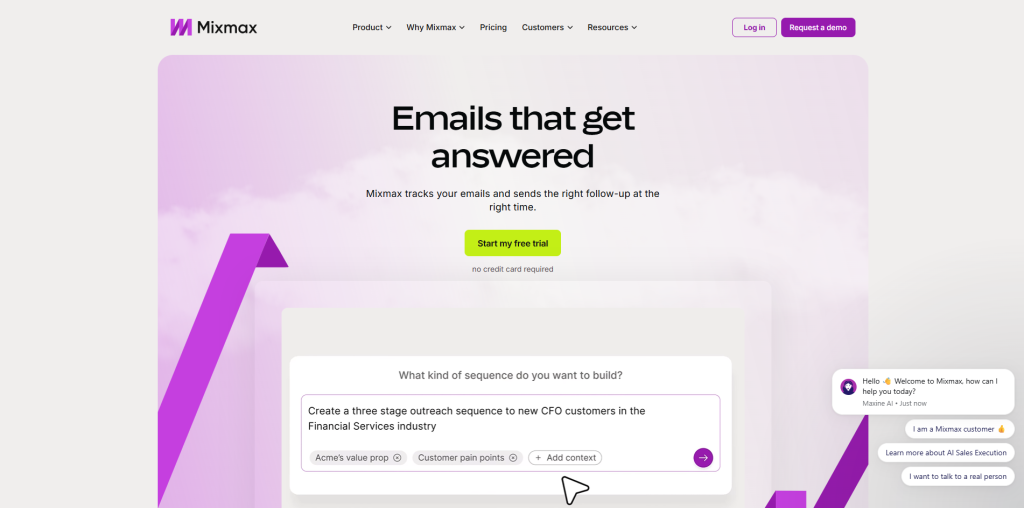
Mixmax lives entirely inside Gmail, and that focus shows. Scheduling, sequences, and tracking all feel native to the inbox rather than bolted on, and its calendar features are genuinely strong. The tradeoff is platform lock-in: Mixmax remains Gmail-only as of 2026, so Outlook-based teams are out of luck. Pricing runs $29 to $89 per month on an annual plan. For teams building out broader everyday business process automation across their stack, a Gmail-only tool can become a limiting piece rather than a flexible one.
5. SalesHandy
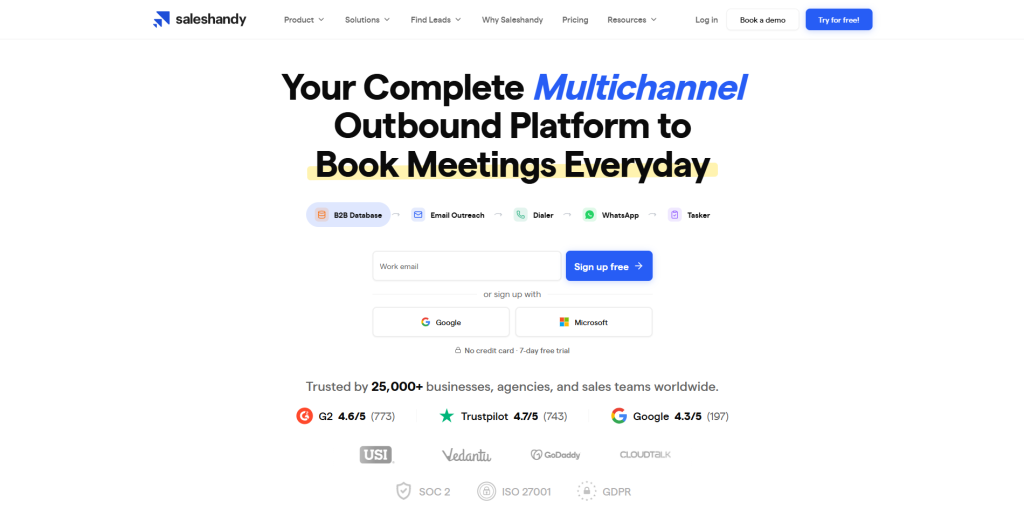
SalesHandy is the budget option on this list, starting around $25 a month, and it doesn’t skimp on volume. It supports unlimited connected email accounts and includes a built-in lead finder database with more than 852 million contacts. Its strengths lean toward cold outreach and sequencing rather than deep Salesforce activity capture, so it fits prospecting-heavy teams better than accounts already running complex Salesforce workflows.
6. HubSpot Sales Hub
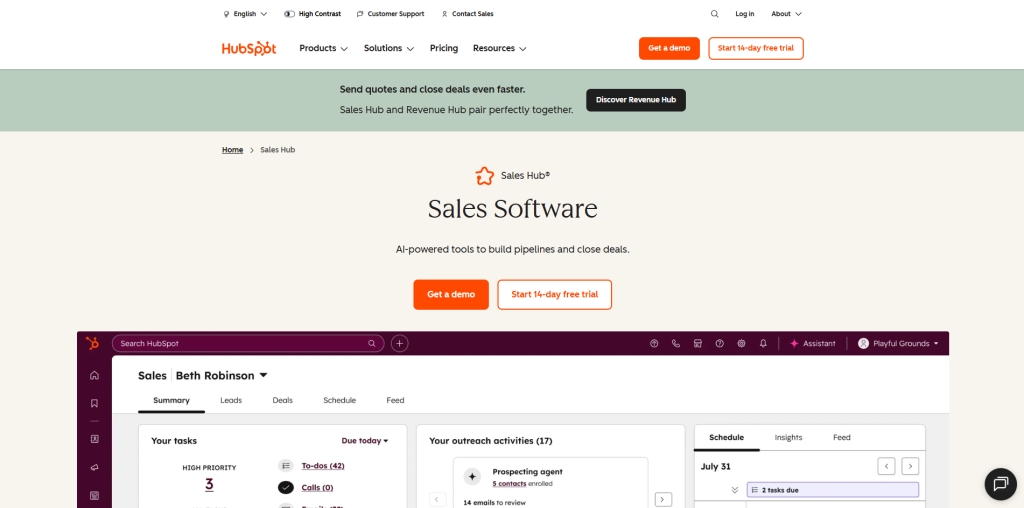
HubSpot Sales Hub offers a genuinely useful free tier with basic email tracking, which makes it an easy entry point for small teams. Its native tie-in to HubSpot’s own CRM is deep, but that’s also the catch: teams fully committed to Salesforce as their system of record often find themselves managing two platforms instead of one. Costs climb quickly at higher tiers, too, once a team needs sequences, reporting, and more than a handful of seats.
7. Salesloft

Salesloft is a mature sales engagement platform built for cadences, dialing, and pipeline analytics at scale. It suits structured outbound teams that need heavier machinery, though that same depth makes it pricier and more involved to roll out than the lighter tools higher on this list. Teams evaluating a full sales tech stack against competitors often turn to resources such as this breakdown of the best competitor analysis tools when deciding whether a heavier platform like Salesloft is worth the added complexity versus a leaner alternative.
8. Outreach
Outreach has become something of an enterprise standard for sequence automation and sales forecasting. It’s powerful, but that power comes with a real implementation lift, and smaller teams can find themselves paying for capability they don’t use. One consideration teams often overlook: open and click tracking on outbound email raises privacy questions that vary by jurisdiction. The Federal Trade Commission’s business guidance on privacy and data practices is worth reviewing before rolling out aggressive tracking defaults to a sales team, particularly for companies selling into regions with stricter consent requirements.
How These Tools Compare on Price and Fit
Related walkthrough
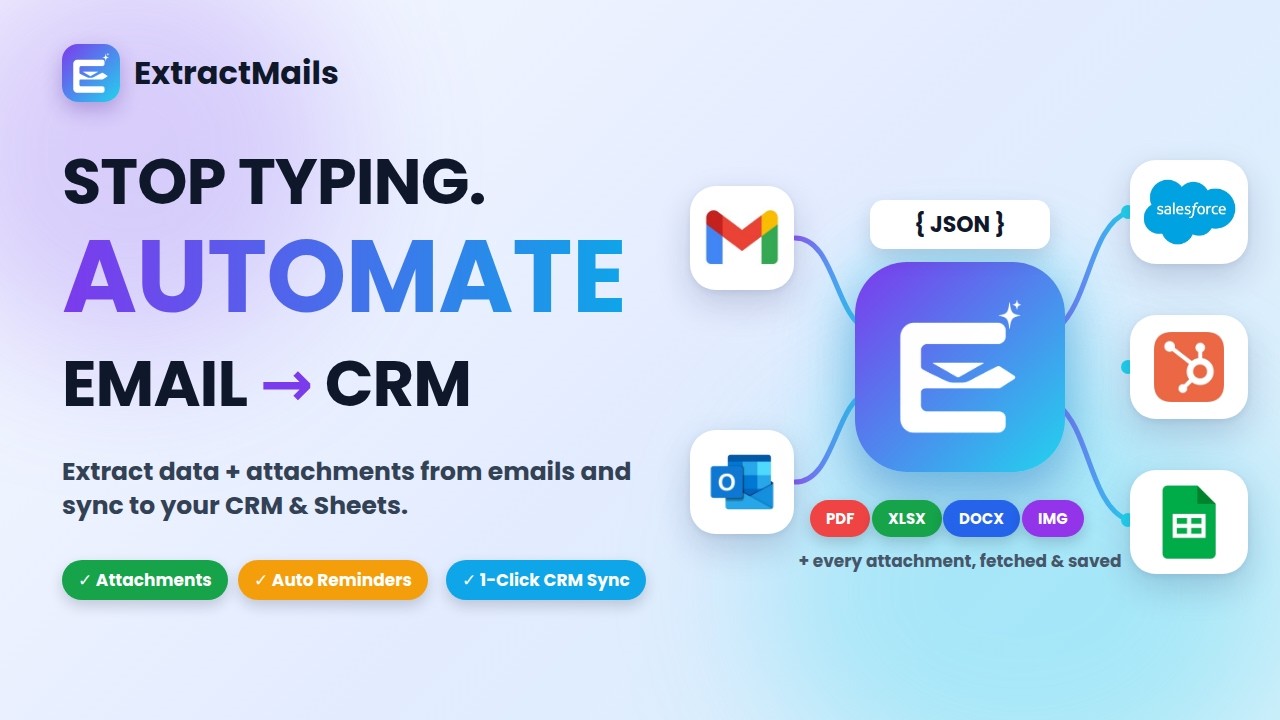
ExtractMails: Turn Emails & Attachments into CRM Records Automatically
| Tool | Starting Price | Best Fit |
| Cirrus Insight | Custom, enterprise-friendly | Salesforce-anchored teams wanting full activity automation |
| Yesware | ~$15-65/seat/mo | Teams prioritizing tracking precision |
| Revenue Grid | ~$30/user/mo | Deep Salesforce sidebar customization |
| Mixmax | $29-89/mo | Gmail-only teams |
| SalesHandy | ~$25/mo | Budget-conscious, high-volume outreach |
| HubSpot Sales Hub | Free tier available | Teams not fully committed to Salesforce |
| Salesloft | Higher, enterprise-scale | Structured outbound teams at scale |
| Outreach | Higher, enterprise-scale | Large teams needing forecasting depth |
Team size and existing tech stack matter as much as feature lists here. A five-person team evaluating SalesHandy against Outreach isn’t really comparing apples to apples, since one solves a $25-a-month problem and the other solves a fully staffed outbound org’s problem. For teams also modernizing the rest of their sales stack, it’s worth reading our breakdown of AI-driven business phone and calling tools alongside this list, since phone and email productivity tend to get evaluated together during a sales tech refresh.
Conclusion
Modern sales teams rely on integrated email and CRM tools to cut manual data entry and close more deals
For sales teams anchored to Salesforce who live in Gmail or Outlook every day, the Salesforce email productivity tools that actually move the needle strong G2 reviews make it the most complete starting point on this list. The rest of these tools each serve a specific budget, platform preference, or team size, and picking among them comes down to matching the tool to how your team already works rather than chasing the longest feature list.

