
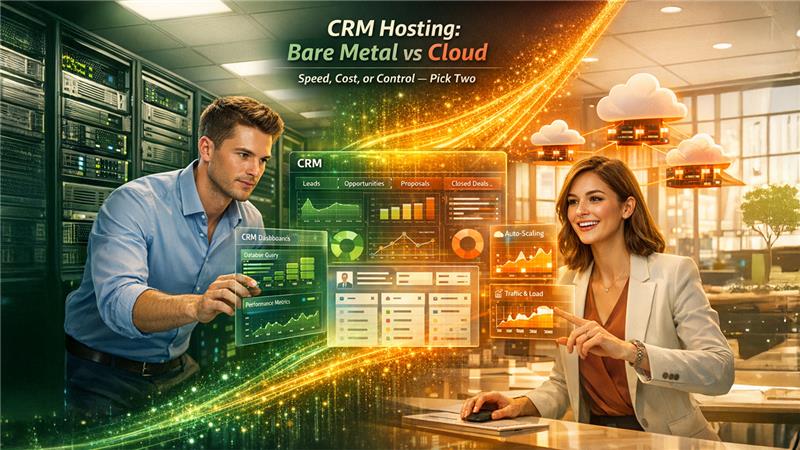
Bare Metal vs Cloud Servers for Running Open-Source CRM Platforms
Compare bare metal and cloud servers for CRM deployments. Learn how performance, cost, scalability, and flexibility impact your choice of infrastructure.
Choosing between bare metal and cloud servers shapes how your open-source CRM performs day to day.
A Flexera report found that 84% of organizations struggle to manage spending on cloud infrastructure beyond their planned budgets. For CRM workloads, this cost creep hits hard.
Bare metal gives you dedicated resources and full control. Cloud servers offer flexibility and fast scaling. The right pick depends on your CRM’s size, traffic patterns, and growth plans.
This article walks you through performance, cost, security, and scaling differences so you can match your infrastructure to your CRM needs.
Bare Metal Delivers Consistent CRM Performance
Open-source CRM platforms like SuiteCRM, EspoCRM, and Odoo run database-heavy operations constantly. Every contact search, pipeline filter, and report generation hits the disk and CPU hard.
Bare metal servers dedicate all hardware resources to your workload. There is no hypervisor layer eating into processing power. No noisy neighbors competing for memory or I/O.
Providers such as Gcore offer bare metal servers with NVMe and high-frequency CPUs, which provides CRM databases access to low-latency access they require for quick execution of query. If you want to understand how dedicated server hardware manages demanding compute workloads more widely, read our guide on dedicated AI servers.
According to an IBM benchmark study, bare metal servers showed up to 30% better I/O throughput compared to equivalent virtual machine configurations.
For CRM deployments handling over 50,000 contacts with concurrent users, this performance gap becomes visible in page load times and report generation speed.
How Does Cloud Hosting Handle CRM Traffic Spikes?
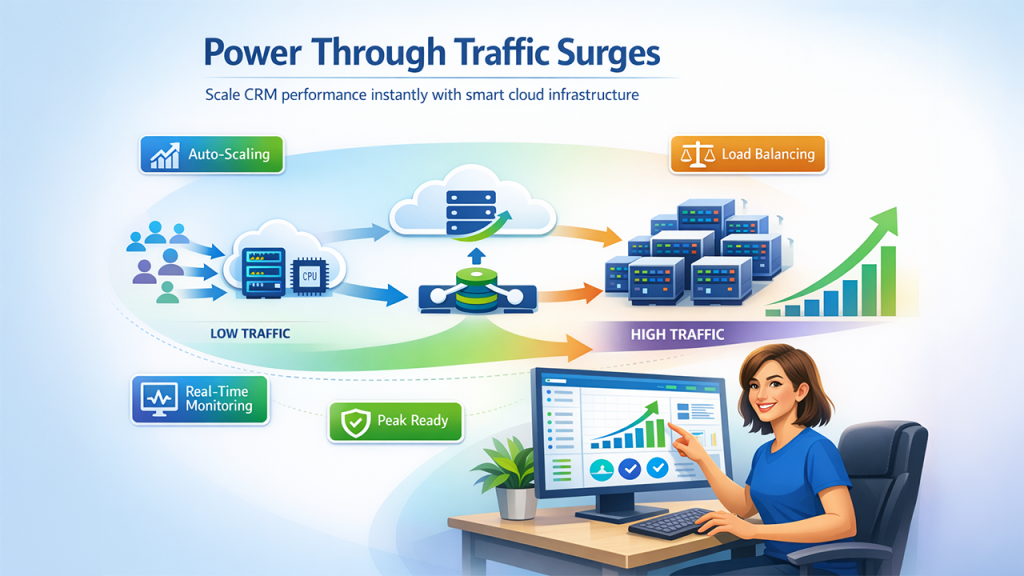
Cloud servers handle traffic spikes well because they allow you to add resources in minutes, making them more flexible than many traditional systems and even some Cloud Storage Alternatives.
If your sales team implements a seasonal campaign and user logins becomes triple overnight, cloud infrastructure allows you to scale your RAM and CPU without data migration or re-provisioning hardware. The majority of providers provide auto-scaling triggers as per memory thresholds or CPU.
Tips for managing CRM traffic spikes on cloud:
- Set auto-scaling rules tied to CPU usage above 70% during business hours.
- Use load balancers to distribute CRM sessions across multiple instances.
- Schedule scaling events ahead of known campaigns or end-of-quarter pushes.
- Monitor response times weekly and adjust instance sizes before bottlenecks appear.
This flexibility makes cloud a strong fit for teams with unpredictable or seasonal CRM usage.
Cost Comparison Over a 3-Year Period
Upfront, cloud servers look cheaper. Over time, bare metal often wins on total cost of ownership.
| Factor | Bare Metal | Cloud Server |
| Monthly cost (comparable specs) | $150–$300/mo | $200–$500/mo |
| Scaling cost | Hardware purchase needed | Pay-per-use, instant |
| Data transfer fees | Usually included | Often metered |
| Management overhead | Higher (self-managed) | Lower (managed options) |
| 3-year total (mid-tier setup) | ~$7,200–$10,800 | ~$10,000–$18,000 |
A Statista survey showed that 42% of small-to-mid businesses cited unexpected cloud fees as their top infrastructure frustration. For stable CRM workloads with predictable traffic, bare metal keeps costs controlled.
Security and Compliance Favor Bare Metal
Related walkthrough
ExtractMails: Turn Emails & Attachments into CRM Records Automatically
When your CRM stores customer data, payment history, and communication logs, security becomes a priority.
Bare metal servers give you physical isolation. Your data sits on hardware that no other tenant touches. You control the firewall rules, encryption protocols, and patch schedules without depending on a provider’s shared responsibility model.
For businesses operating under GDPR, HIPAA, or SOC 2 requirements, this control simplifies audit documentation. You can point to exactly where data lives and who accesses it.
Cloud providers offer strong security tools, but the shared infrastructure model introduces variables you cannot fully control.
Can Small Teams Manage Bare Metal Effectively?
Yes, but it requires technical capacity your team may or may not have.
Bare metal requires hands-on server administration. You manage security patches, OS updates, backup scheduling, and disaster recovery planning. For a sales team of five people without having a dedicated sysadmin, this overhead quickly stacks up.
A Hetzner community survey has indicated that around 35% of bare metal users outsource their server management to minimize operational burden.
Practical alternatives for small teams that consider bare metal:
- Do business with a managed hosting provider that manages server maintenance.
- Automate backups and patching utilizing cron-based scripts and tools such as Ansible.
- Begin with a cloud setup and migrate to bare metal once the usage of your CRM stabilizes.
- Allocate around 5 hours per month for maintenance of server tasks.
If your team does not have the bandwidth for managing infrastructure, cloud with managed services eliminates that friction.
When Cloud Makes Higher Sense for CRM Deployments?
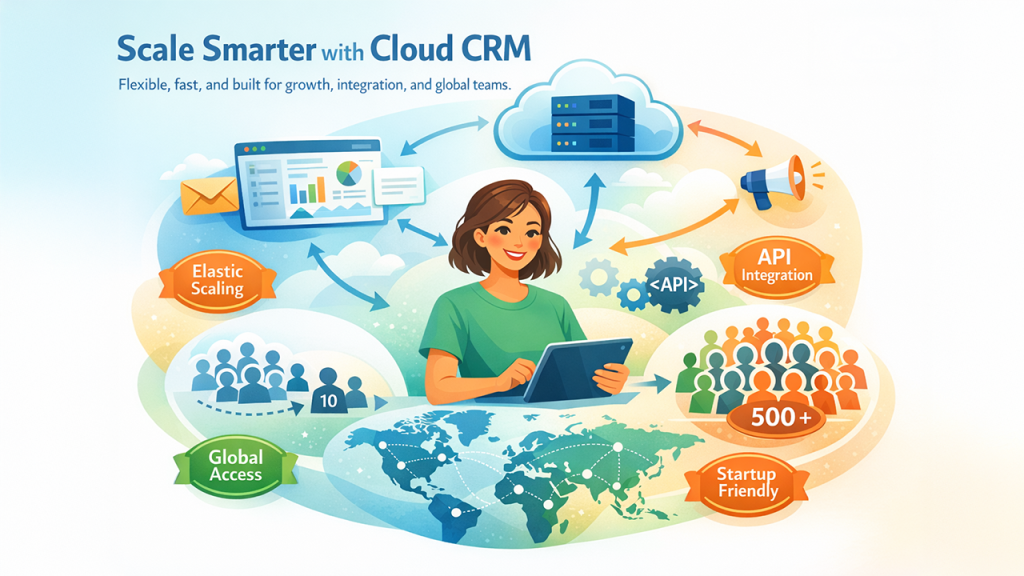
Cloud servers align with particular CRM scenarios more effectively than bare metal.
Startups verifying product-market fit with a CRM require flexibility to pivot well. A company scaling from 10 to 500 users in a year benefits from elastic infrastructure. Distributed teams across multiple regions need low-latency access through geographically spread data centers.
According to Gartner’s infrastructure forecast, 78% of mid-market companies plan to keep at least part of their CRM infrastructure in the cloud through 2027.
Cloud also simplifies integration with third-party tools. Most open-source CRMs connect to email services, marketing platforms, and analytics dashboards through APIs that perform better with low-latency cloud networking.
A Hybrid Approach Solves Most CRM Infrastructure Dilemmas
Many organizations find that combining both environments delivers the best results.
Run your CRM database on bare metal for consistent performance and lower long-term costs. Use cloud instances for front-end application servers, staging environments, and disaster recovery failover.
Steps to build a hybrid CRM infrastructure:
- Host the primary database (PostgreSQL or MySQL) on a bare metal server.
- Deploy CRM application nodes on cloud instances behind a load balancer.
- Use cloud storage for automated daily backups and file attachments.
- Keep a cloud-based failover instance that activates if the primary server goes down.
This approach gives you the raw power of bare metal where it matters most and the flexibility of cloud where scaling and redundancy add value.
Wrapping Up
Bare metal and cloud servers each solve different problems for open-source CRM hosting. Bare metal wins on performance consistency, long-term cost savings, and data control. Cloud wins on flexibility, fast scaling, and lower management overhead.
For stable CRM deployments with predictable traffic, bare metal makes financial and technical sense. For growing teams with variable usage, cloud keeps things simple. A hybrid setup often hits the sweet spot by pairing dedicated database hosting with elastic application servers.
Evaluate your team’s technical skills, CRM user count, and growth trajectory. The infrastructure should match your operational reality, not a trend.

