

Best JavaScript Libraries for Modern Web Development in 2026
Learn about the best JavaScript libraries, their features, benefits, use cases, and how they help developers build modern web applications more efficiently.
Developing a web page or application from scratch, that is, writing code for every single function manually, would take a very long time. This is where the role of JavaScript Libraries becomes relevant: developers get reusable code for common needs and can concentrate on building something new rather than reinventing the wheel every time.
As there are so many sites and web applications built with JavaScript, the number of libraries for it has become really impressive, ranging from creating user interfaces to processing data and much more.
Let’s go through some of the most valuable JavaScript Libraries in 2026 in this blog post, discuss what they are used for, and how to select the right one for you.
What are JavaScript Libraries?
In essence, JavaScript Libraries are just pre-written sets of code that are responsible for common tasks, so programmers don’t have to start from scratch every time. Rather than writing custom code for certain animations, data formatting, or manipulating a document object model, developers could simply plug in the library and use its pre-built and well-tested functions.
In this regard, using a library can be compared to borrowing a tool instead of making it yourself, a mindset that builds on solid basic coding concepts like reusability and modular thinking. If you need a slideshow, form validation, or API request handling, most probably, there is already a working library that performs exactly this task, thereby saving a lot of time and effort.
This reusability is really the whole point. JavaScript libraries simplify coding, speed up development, and give developers reliable building blocks to work with. When paired with the coding fonts that improve code readability and reduce eye strain, developers can work more efficiently, which is exactly why these libraries have become such a core part of how modern web development actually gets done.
Why JavaScript Libraries Matter in Modern Web Development

With the increasing complexity of web apps, using JavaScript Libraries is becoming a necessity rather than a luxury. Writing your own code from scratch isn’t an efficient way to develop when solutions to most problems already exist.
First of all, using libraries allows you to save time. There is no need to reinvent things twice if you have pre-written code for almost anything you can encounter during development. In addition, developers spend less time solving other problems and more time implementing unique product features.
Using such tools guarantees a certain degree of consistency and quality. Because they’re used by so many people across various projects, libraries have already gone through rigorous testing, which ensures that they are written correctly.
In addition, using libraries makes collaborative work easier. Developers can easily understand what’s going on in the code when it’s written using a standard library that everyone knows about.
Best JavaScript Libraries in 2026
Here’s a look at some of the most interesting JavaScript Libraries that you need to know about in 2026, beginning with what could be considered one of the most popular frontend libraries around.
1. React.js
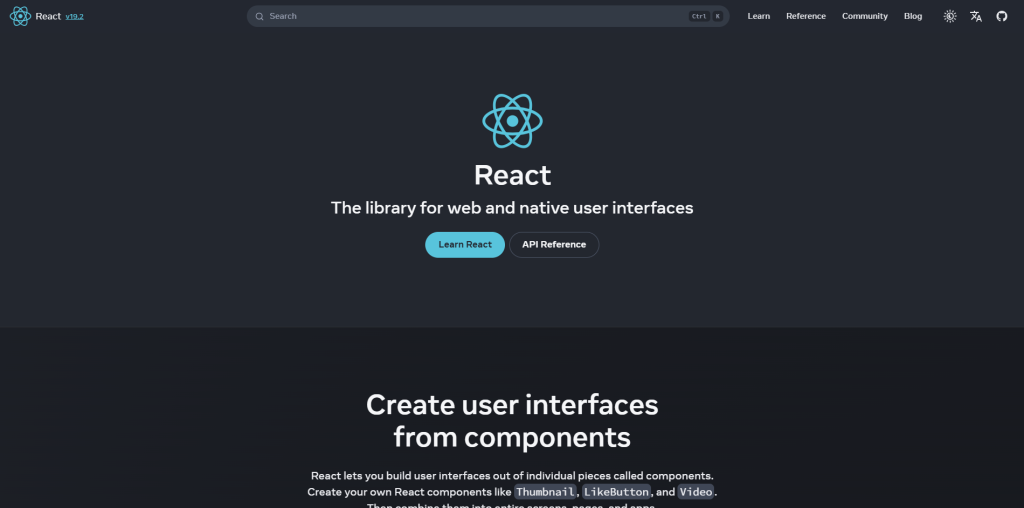
React.js is an open-source frontend library that has grown into one of the most preferred tools when it comes to developing engaging and dynamic user interfaces and remains a key part of the broader shift toward emerging web development technologies. This is mainly because of its efficient ability to update and render the components on any change in the data.
Key features
- Component-based architecture for reusable and maintainable code.
- Uses virtual DOM for efficient rendering.
- Uses JSX for writing JavaScript and HTML together.
- Widely used for single-page applications and large-scale platforms.
Use Cases
- Building single-page applications (SPAs) and mobile apps.
- Managing and rendering dynamic UI components efficiently.
- Developing interactive, fast-loading web applications.
- Used by major platforms like Facebook, Instagram, and WhatsApp.
2. Lodash
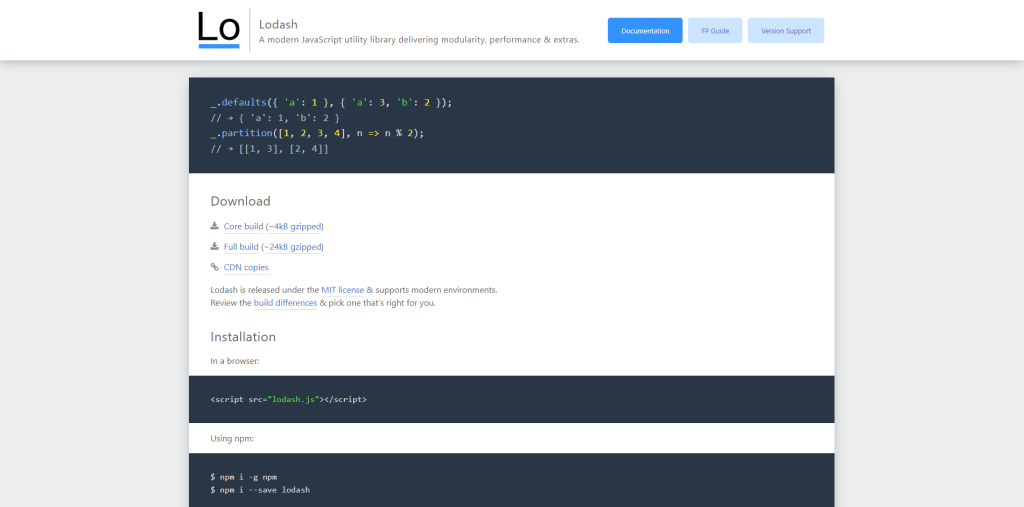
Lodash is a popular utility library in JavaScript that makes it convenient to manipulate arrays, objects, strings, and functions. This library follows the concept of functional programming approaches similar to Underscore.js. It provides developers with hundreds of tested, reliable functions that reduce redundant utility coding.
Key features
- Provides developers with hundreds of useful functions for manipulating data.
- Provides deep copy, debouncing, throttling, and comparison of array/objects.
- Delivers efficient performance regardless of data size.
- Modular library, hence developers can only use what they want.
Use Cases
- Data manipulation and comparison, Array/object manipulation.
- Enhances the performance of functions receiving frequent user input, such as search bars.
- Popular in many applications, both small- and large-scale.
3. Axios
Axios is an extensively used promise-based HTTP client for JavaScript, widely popular for making API requests in both browsers and Node.js contexts. It has emerged as a popular alternative to the native Fetch API due to its simplicity in the case of complex API requests.
Key features
- Syntax that utilizes promises and works well with async/await.
- JSON data conversion on request/response automatically.
- Built-in support for request and response interceptors.
- Work consistently across both browsers and the Node.js environment.
Use Cases
- Fetching data from RESTful APIs in web apps.
- Making complex requests using headers, authentication, timeouts, etc.
- Better control over errors across multiple API requests.
- Popular in React, Vue, and other frontend frameworks for fetching data.
4. jQuery
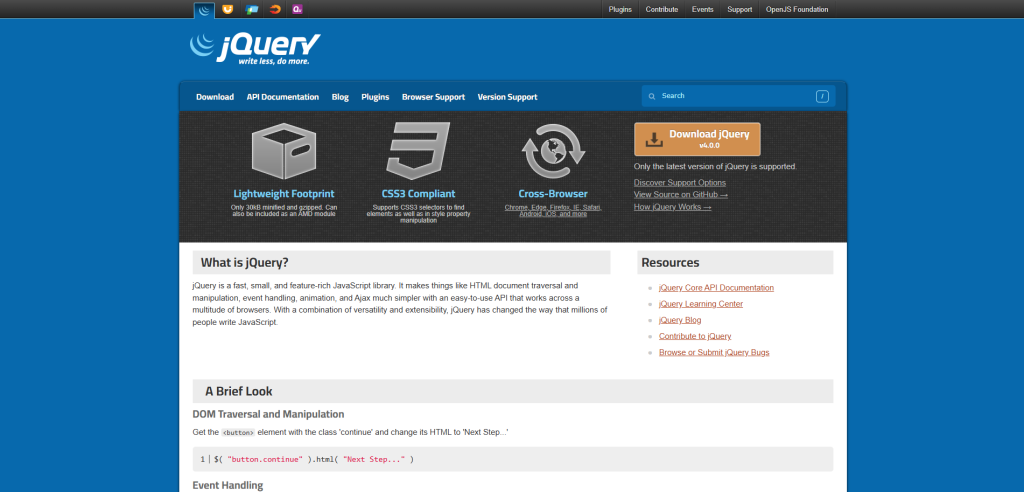
jQuery is a lightweight, powerful, and efficient JavaScript library that was first introduced by John Resig in the year 2006. Although several frameworks have been introduced since then, this library remains highly useful for common tasks such as DOM manipulation, event handling, making animation calls, and sending AJAX requests, particularly for older sites that do not require a framework.
Key features
- Easily usable and simple API that reduces learning time for new users.
- CSS-like selectors for fast and easy element selection.
- Compact size, around 30KB when minimized and gzipped.
- Inbuilt animation and event handling functions.
Use Cases
- DOM manipulation using fewer lines of code.
- Creating simple visualizations and animations for the web page.
- Making AJAX calls to load dynamic content without refreshing pages.
- Updating existing jQuery-based websites.
5. D3.js
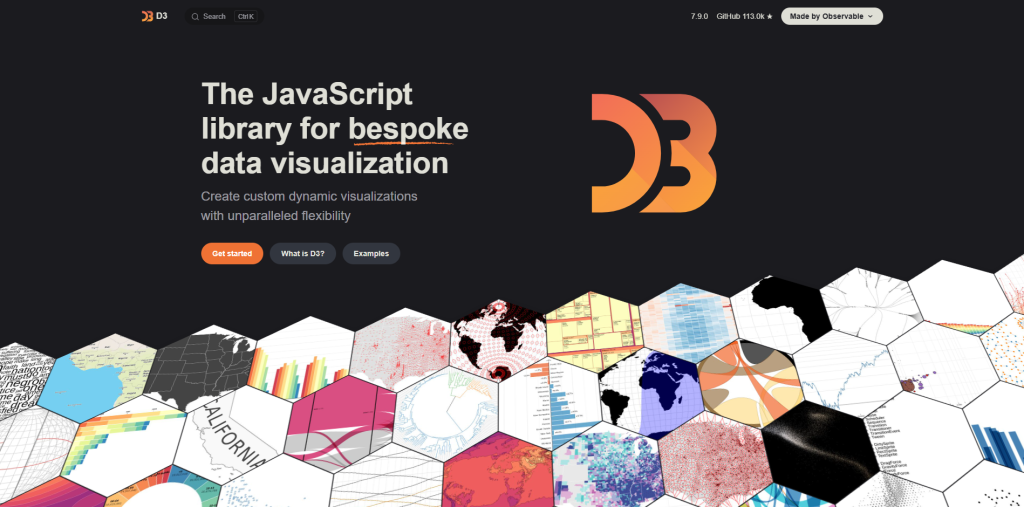
D3.js stands for Data-Driven Documents and is a dedicated JavaScript Library that allows for the creation of interactive visualizations based on data. D3.js was released way back in 2011 under the BSD license; it is very versatile and offers fine control by binding data directly to the DOM and manipulating it using HTML, CSS, and SVG.
Key features
- Based on web standards and works well in all modern browsers.
- Uses HTML, CSS, and SVG to create flexible and precise visualizations.
- Optimized for handling large volumes of data without compromising performance.
- Animations and interactivity support.
Use Cases
- Creation of interactive and data-driven charts and graphs.
- Binding of live data to the DOM.
- Creation of complicated custom visualisations that go beyond standard charting types.
How to Choose the Right JavaScript Library for Your Project
Related walkthrough
Design ANY Website in Figma with ONE Prompt | Responsive Web Design Tutorial

Considering the numerous excellent libraries available nowadays, the choice of the JavaScript Library will mostly depend on the requirements of your particular project, rather than just following the current trends blindly.
To begin with, clearly identify the problem that your project tries to solve. If the problem lies within managing the UI state, using React will be a perfect solution. If API requests are involved, then using Axios would be a much better idea than using another huge framework.
Another helpful step is checking the library’s documentation and community support, since active maintenance makes it far less likely you’ll get stuck on unresolved bugs or unsupported browser standards. Conversely, a library that is outdated and poorly supported might become a problem later on.
Performance and size of the library are also important factors, especially if you have a project for which loading times affect user experience in any way. It might be better sometimes to use a small and targeted library, such as Lodash for utilities or jQuery for basic DOM manipulation, instead of an all-in-one large framework.
Finally, think about your team’s familiarity with the tool. A technically excellent library but unfamiliar to your team can slow development down just as much as a weaker tool that everyone already knows well. Sometimes the most practical choice isn’t the most popular one; it’s the one your team can use efficiently and confidently.
Limitations of Applying JavaScript Libraries
Even though JavaScript Libraries offer many benefits, there are some negative points related to them. Knowing about these drawbacks will help to avoid problems in the future while creating projects based on certain libraries.
- Performance influence: Usually, big libraries consist of various functions that can slow down your application if you don’t need them.
- Learning curve: Every library has its specific structure and syntax that users have to learn in order to use it properly, especially when applying several different libraries within one project.
- Compatibility issues: Some libraries do not work in all browsers equally and cause compatibility problems.
- Dependency management: Applying several libraries can cause problems with version conflicts.
- Security problems: Outdated, unsupported libraries always carry some security risk.
- Vendor lock-in: The usage of several libraries can lock your product into a particular technology.
Conclusion
At the end of the day, JavaScript Libraries are designed to help developers write better code faster and with fewer problems. Whether it is React’s strong capabilities in working with UI, Lodash’s utility functions, Axios’s straightforwardness in making API requests, jQuery’s simplicity, or D3.js’s flexibility when it comes to data visualization, there is always something that can be useful for every developer depending on their project needs.
The point is not about using the most popular library available, but rather selecting the one that is best suited for the particular task. When done right, using libraries in JavaScript can help significantly reduce the time and effort spent while developing software projects.
FAQs About JavaScript libraries
Q. What are JavaScript libraries used for?
JavaScript libraries provide pre-written, reusable code for common tasks like UI building, API requests, data manipulation, and DOM handling, saving developers from writing everything from scratch.
Q. What is the difference between a JavaScript library and a framework?
A library, like React or Lodash, provides specific tools you can use as needed, while a framework dictates the overall structure of your application and controls more of how your code is organized.
Q. Which JavaScript library is best for beginners?
jQuery is often considered beginner-friendly due to its simple syntax, while React is a great next step for those wanting to build more dynamic, component-based applications.
Q. Is jQuery still relevant in 2026?
Yes, while modern frameworks have taken over much of new development, jQuery is still widely used for maintaining older websites and handling simple DOM tasks efficiently.
Q. How do I choose the right JavaScript library for my project?
Consider what problem you’re solving, the library’s documentation and community support, its performance and bundle size, and how familiar your team already is with the tool.

