
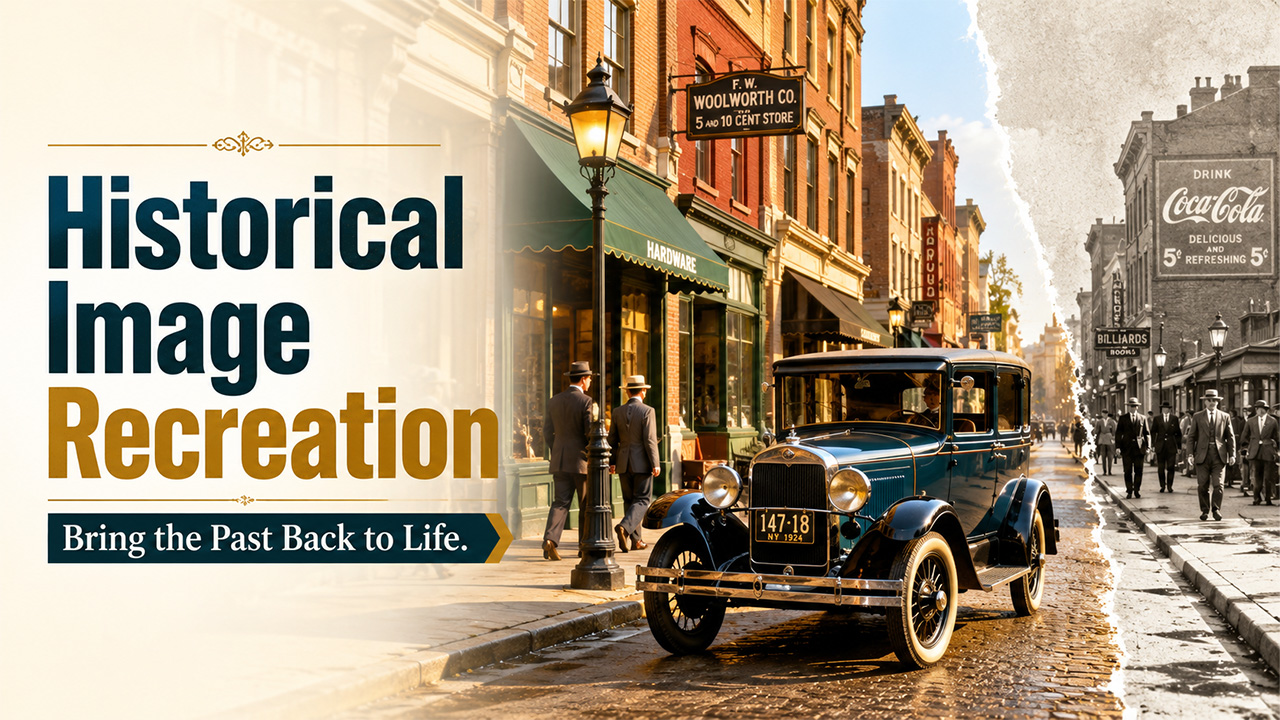
Historical Image Generator: Recreate Historical Moments Through Images
Understand the application of historical image generator and learn how it helps recreate historical moments using AI.
History rarely survives as a full picture. What’s left is usually a few faded photographs, a written account, a museum placard describing a scene nobody alive today witnessed firsthand. Filling in those gaps used to require a historical illustrator with years of specialized training. An AI image generator or historical image generator opens that recreation process up to anyone with a clear sense of the period and the patience to research it properly. Dreamina, running on its newest model Seedream 5.0 Pro, handles this historically grounded work with real attention to detail.
Why historical accuracy takes more than a general sense of the era
It’s tempting to describe a historical scene in broad strokes, “old-fashioned clothing,” “an old city street,” and let the model fill in the rest. The problem is that broad strokes tend to produce something that feels vaguely old rather than specifically accurate to any particular decade or place. A 1920s street looked meaningfully different from a Victorian one, and both looked different again from a scene set during a specific regional or cultural historical image generator. Precision in the research is what keeps a recreation from sliding into generic costume-drama territory.
What a historically grounded prompt need?
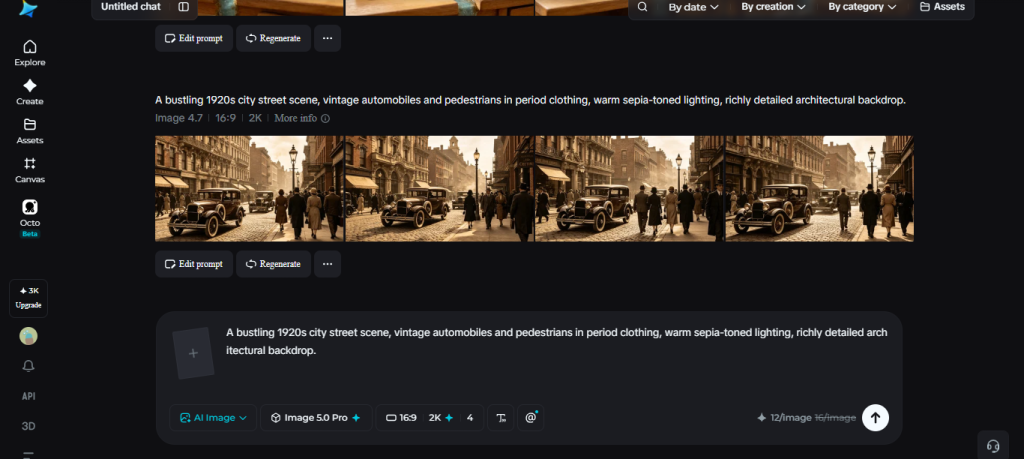
Before generating anything, it helps to gather a few specific details about the period being recreated:
- Clothing styles and materials specific to the exact decade and region
- Architectural details, building materials, signage styles, street furniture
- Everyday objects and technology that were genuinely present at the time
Skipping this research tends to produce a scene that reads as costume rather than history.
Meet Dreamina’s Seedream 5.0 Pro
Seedream 5.0 Pro suits historical recreation particularly well because of its built-in research capability, which helps ground generated details in accurate, current reference points rather than a generic guess at “old-timey” aesthetics. For creators exploring different AI image generation tools, comparing their image creation and editing capabilities can also help identify the right option for historically grounded projects. Point selection, lasso tools, and sketch guidance let you refine specific period details after the first pass, a lantern style, a fabric texture, a storefront sign. Layer separation adds further control, letting background architecture and foreground subjects be adjusted independently as accuracy gets refined. With 2K output holding fine period detail and native text support across 14 languages for signage or lettering specific to a region, it’s a model built to handle the research-heavy demands historical recreation calls for.
Historical Image Generator: Bringing a historical moment back
Related walkthrough
OpenAI 4o Image Generation: Free AI Art Like Never Before

This is where the research turns into something visible. Here’s how it plays out inside Dreamina.
Step 1: Write a text prompt and/or add reference image
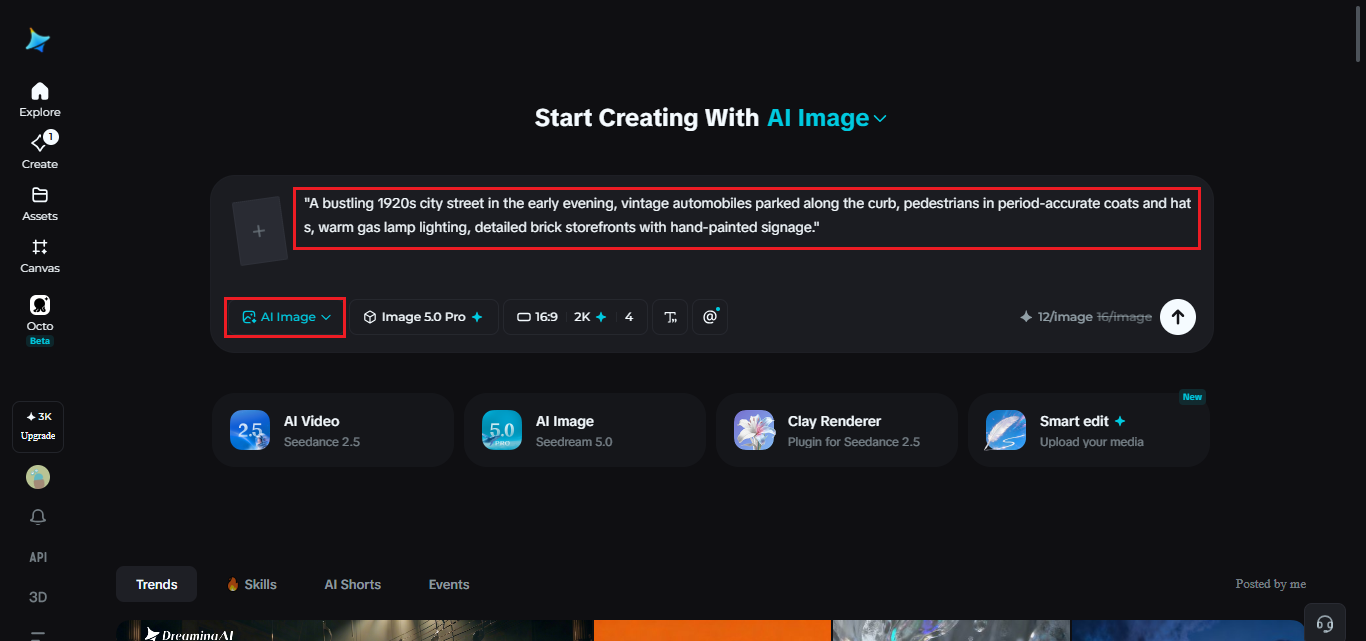
Head to Dreamina and describe the historical scene with real specificity, exact decade, region, clothing, architecture, and mood. If an archival photo or illustration from the period happens to exist, drop it in as a reference too, it gives the model something concrete to check itself against.
A sample prompt might read: “A bustling 1920s city street in the early evening, vintage automobiles parked along the curb, pedestrians in period-accurate coats and hats, warm gas lamp lighting, detailed brick storefronts with hand-painted signage.”
Step 2: Adjust parameters and generate
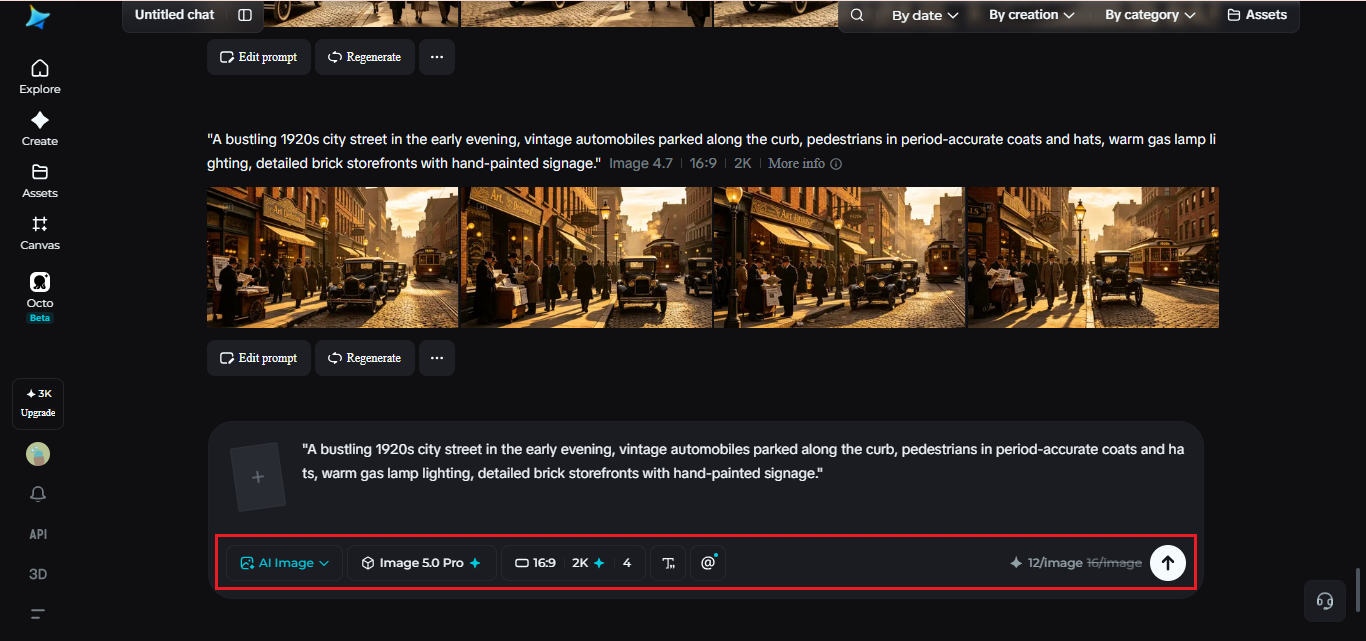
Select Image 5.0 Pro by Seedream 5.0 Pro as your model. Set aspect ratio and size based on where the finished recreation will be used, then pick resolution, 1K to check whether the period details are reading correctly, 2K once the scene holds up under closer inspection. Click Dreamina’s icon once it’s set, and let it generate.
Step 3: Customize and download
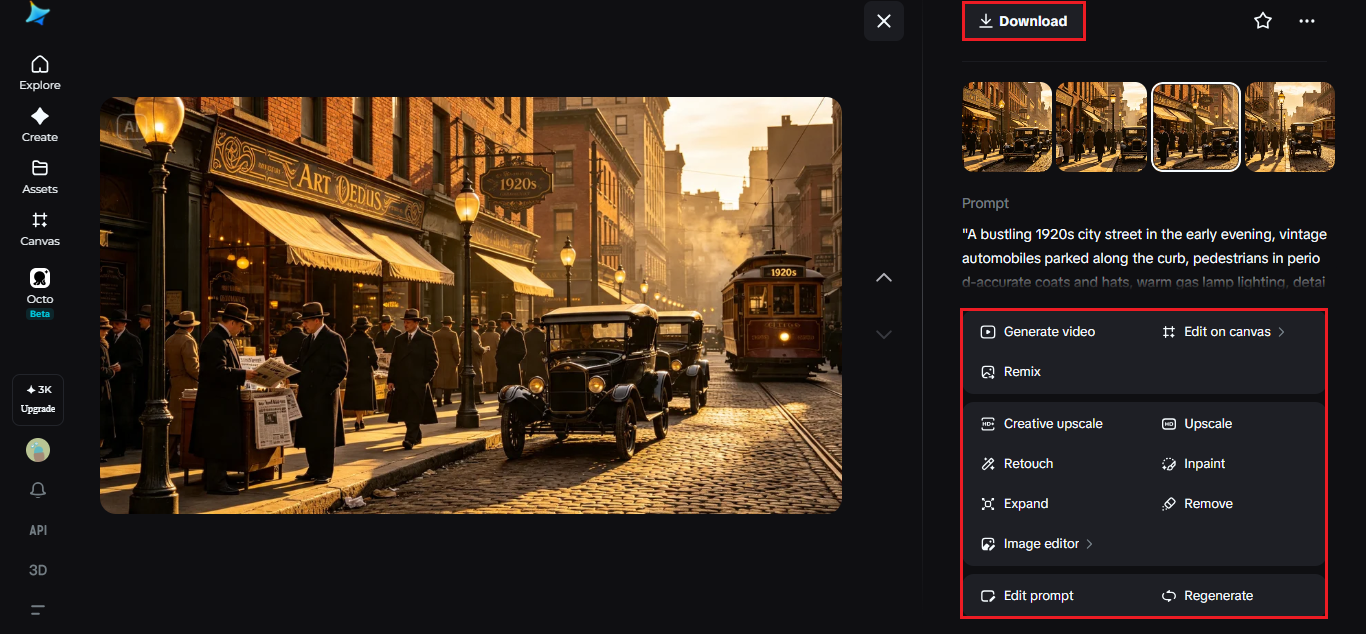
A historical recreation rarely lands perfectly accurate on the first attempt, since small details often carry the most historical weight. Use inpaint, expand, remove, and retouch to correct an anachronistic detail or sharpen something that needs to read more clearly as period-appropriate. You can also use an AI image enhancer to improve clarity, sharpness, and fine details in the final recreation. Once it feels accurate, hit “Download.”
Cross-checking accuracy before calling a recreation finished
A convincing historical image benefits from real verification, not just a confident-looking result. A few habits help:
- Compare the generated scene against actual archival photographs from the same period
- Double-check small details like signage, currency, or technology for accuracy to the specific year
- Ask whether every element in frame would have plausibly existed at that place and time
This scrutiny is what separates a recreation people trust from one that just looks old.
Mistakes that undercut a historical image generator
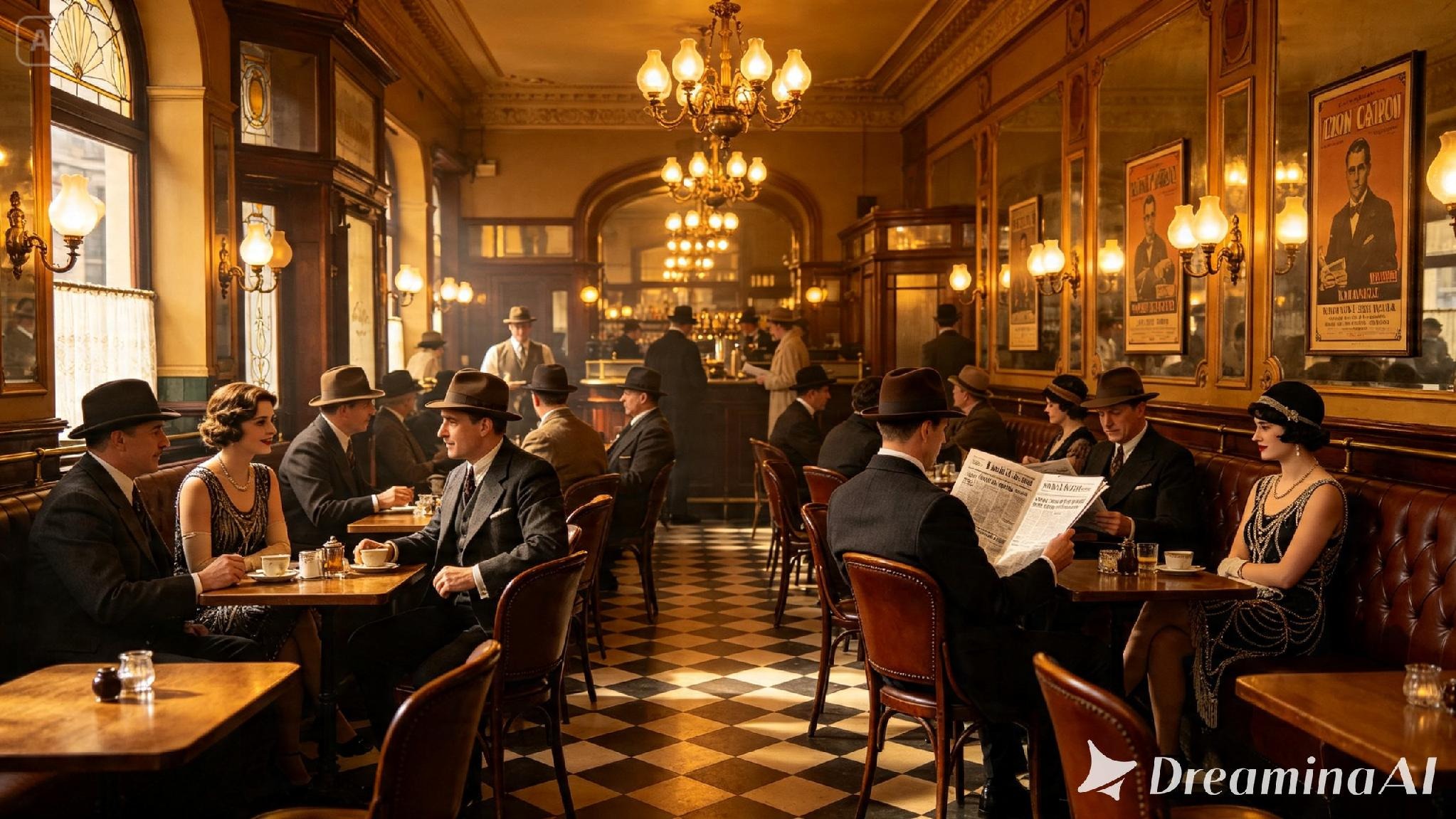
A handful of habits tend to weaken this work. Blending details from different decades into one scene creates a recreation that anyone familiar with the actual period will spot as off. Reaching for stereotypical, generic “old-timey” markers instead of doing the research produces something that reads more like a costume than history. And skipping verification against real reference material means small inaccuracies slide right past unnoticed.
Where historical image generator is worth the research
This kind of accuracy pays off most in a few specific places. Museum exhibits and educational material lean on it heavily, since a visual sense of a period does something written description alone rarely manages. Documentaries and editorial pieces need the historical image generator to recreate moments no camera was ever there to catch. Historical fiction and publishing benefit too, giving a story’s world enough grounding that a reader trusts it as real rather than staged.
Wrapping up
A historical moment was never really lost just because the photograph never existed. With Dreamina and Seedream 5.0 Pro, careful research paired with careful prompting can bring that moment back into view, holding onto the detail and accuracy that make a recreation feel like a real window into the past rather than a costume party dressed up as one.
Article rating
Was this article useful?
0.0 out of 5 from 0 ratings

