
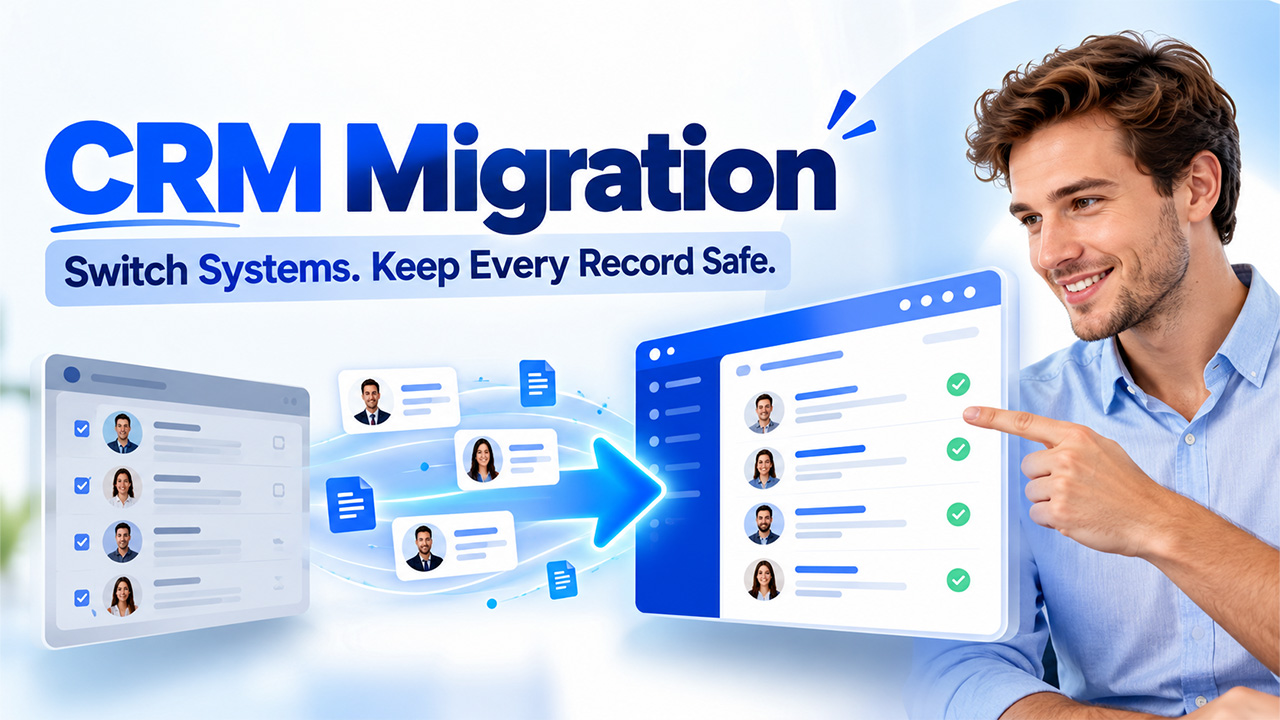
CRM Migration Guide: Transitioning to a New System Without Losing Data
CRM migration with this step-by-step guide covering data cleanup, field mapping, testing, challenge and benefits to help your business switch platforms smoothly
If a company grows, there is a chance that the existing CRM won’t be sufficient for the company to fulfil its operational goals. The presence of obsolete functionalities, insufficient integration options, increasing costs, and ineffective reporting may hinder the ability to manage customer relationships correctly in such cases. Given those circumstances, moving to more convenient software becomes reasonable. CRM Migration makes it possible for an organization to transfer the key customer information and processes to another system, while the data remains accurate. If planned well, the transition process may include less disruption, increased efficiency of the organization, and the proper creation for successful CRM.
What Is CRM Migration?
CRM Migration refers to the act of transferring customer data, info, workflows, and configurations of the CRM platform from one customer relationship management system to another. Companies may want to migrate to different companies’ CRMs, while some may perform a migration to an updated version.
The CRM Data Migration process should be efficient enough to allow the company to retain crucial historical information, keep the relationships established between the records, and help staff members gain access to whatever information they require. Companies also need to analyze which historical records are still of importance to them and not transfer any obsolete records during the process.
Why Do Businesses Migrate to a New CRM?
Companies switch CRM providers when their existing setup is too costly to manage or no longer fits their business. Several factors influence this decision.
Limited Features and Scalability
An outdated CRM probably doesn’t offer the reporting, automation, customization or integration features you need. As your business expands, you need a system that can support more customers, staff and more sophisticated sales, without creating admin overhead.
Expensive Operations
Many applications additionally have storage costs, high-end features, extra customers, or third-party integrations that come at an additional value. Transitioning to an extra acceptable option could help an enterprise scale back these prices and nonetheless get the options they want.
Poor Data Management
Sales and marketing efforts are hampered by duplicate contacts, poor records, and inconsistent customer information. A new system provides organizations with the chance to retain their database and create consistent methods of dealing with data.
CRM System Migration is another factor when stronger security controls, enhanced reporting, or increased remote team support are required by companies. It’s important to compare platforms based on their business goals, budget, and technical specifications before reaching a final decision.
Step-by-Step Process for CRM Migration
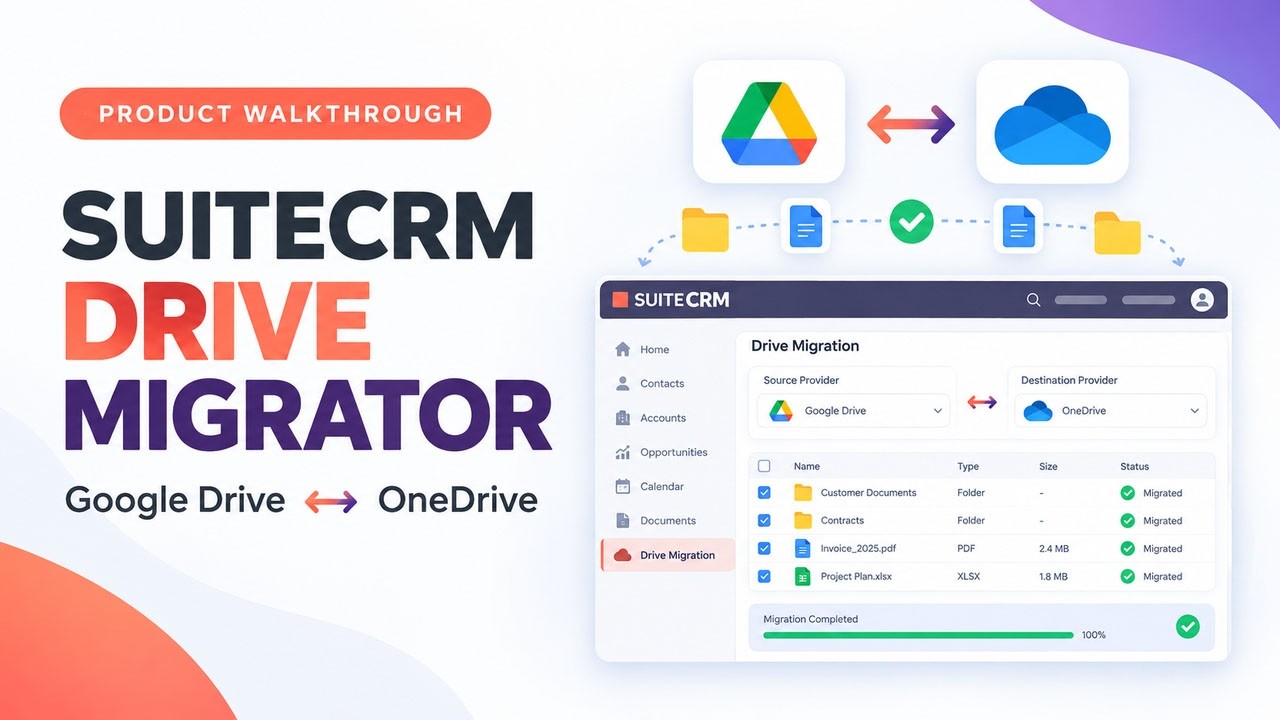
Related walkthrough
SuiteCRM Drive Migrator Tutorial | Google Drive to OneDrive | OneDrive to Google Drive Migration
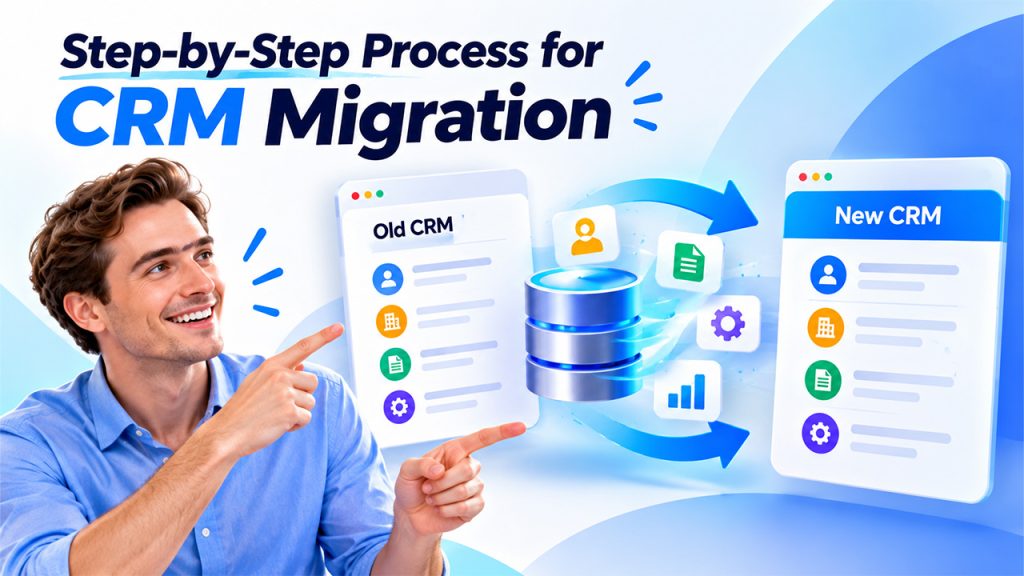
A structured migration process helps businesses protect customer information, reduce errors, and maintain continuity. Each stage requires coordination between technical teams, department managers, and employees who use the CRM regularly.
Define Goals and Scope
Identify why the business needs a new platform and what CRM migration should achieve. Establish measurable objectives, such as improving reporting accuracy, reducing manual tasks, or consolidating customer records. List the data, integrations, workflows, and user groups that the project includes. Assign responsibilities and establish a realistic timeline.
Audit and Clean Existing Data
Review the current database to identify duplicate contacts, outdated accounts, incomplete fields, and irrelevant records. Standardize formats for names, phone numbers, addresses, and other important fields. Remove unnecessary information according to business policies and applicable data retention requirements. This step reduces clutter and prevents existing data problems from entering the new system.
Map Fields and Prepare the New CRM
Create a mapping document that connects fields in the existing platform with their equivalents in the destination system. For example, an old system’s customer category field may correspond to a customer type field in the new platform. Review differences in field formats, required values, record relationships, and custom objects. Configure user roles, permissions, workflows, and integrations before transferring production data.
Back Up and Test the Migration
Create a complete backup of relevant data and configurations before making major changes. Then, conduct a trial migration using a representative sample of records in a test environment. Check whether customer details, attachments, ownership information, and relationships transfer correctly during the CRM data transfer. Test reports, automation rules, and integrations to identify problems before the full migration begins.
Major Challenges in CRM Migration
Transferring customer data from one platform to another presents technical and operational risks. Companies that can identify the risks early and put into place processes to mitigate them can lower these risks.
Data Loss and Discrepancies
The source and destination systems are mismatched. Fields are missing, values are wrong, and record relationships are not preserved. The source data is of poor quality; the resulting issues worsen. Solution: Keep copies of the source data, clean and verify source records before transfer, and check the results (counts, some samples).
Data Mapping Mistakes
CRM fields can have different names, formats, and structures between platforms. Wrongly mapped fields may lead to data being imported into the wrong place or not importing at all. Solution: An export to any CRM should be carefully mapped field-by-field and tested first with example records.
Integration and Workflow Failures
Current automations, email links, reports, and apps connected by others may not carry over the same way. Some integrations might need a new login or setup. Solution: Take an inventory of system dependencies and test each critical integration prior to go-live. Rebuild any that didn’t carry over and test the results.
Security and Compliance Risks
Customer data typically includes business and personal information. If the data are not protected appropriately (for example, people gain access without proper authorization, or data are transmitted insecurely, etc.), then confidential information can be compromised. Solution: adopt safe transfer procedures and provide access to data only on a need-to-know basis, in line with privacy and retention legislation.
Advantages of CRM Migration
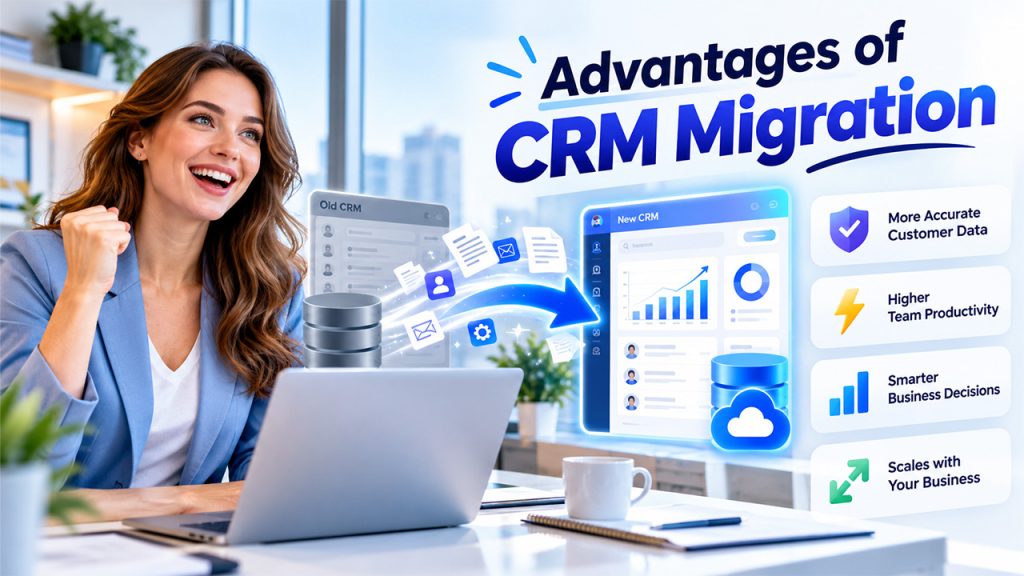
If companies plan and implement the migration process properly, then CRM Migration can streamline the management of customer relationships and daily tasks of the business.
Enhanced Data Integrity
Prior to the migration, records are cleaned and standardized to build a more consistent customer database. Staff no longer have to spend time fixing errors, merging duplicate contacts, and double-checking info.
Improved Team Efficiency
Today’s CRM tools enable reps to automate time-consuming chores, streamline the sales process, and allow access to customer history with ease. This gives reps more time to spend talking with customers and prospects.
Stronger Reporting and Decision-Making
Fresher dashboards and reporting capabilities enable managers to monitor the sales pipeline, customer conversations, and the performance of their teams. Consistent information helps them make smarter decisions and monitor where attention is required.
Additional Flexibility and Expandability
Another benefit of an enterprise platform is the ability to add more users, a bigger database, and shift business processes. The organization is able to adapt and add new workflows, integrations, etc. as needed.
But those benefits don’t come from nothing. Your CRM requires the right configurations, robust data, and continual employee training in order to produce significant results.
Conclusion
In conclusion, CRM Migration is the solution for businesses to shift from old or unfit systems to systems that can serve their needs in a better way. The process of migration requires setting goals, mapping data, testing solutions effectively, transferring data safely, and training employees. The organization is supposed to analyze its current processes and get rid of unnecessary data before the migration process. After the launch of the system, it is essential to track how it performs and provide timely solutions to ensure the quality of information and improve the productivity of the staff.
Frequently Asked Questions
It depends on record volume, system complexity, data quality, and integration. Small migrations take days, while complex projects take weeks or months.
Yes. Complete backups, careful field mapping, trial migrations, and post-transfer validation minimize data loss. Verify all important records before retiring from the old system.
Built-in import utilities, APIs, migration software, and integration platforms all work. The best choice depends on your systems, data volume, budget, and technical needs.
No. Transfer only relevant and necessary records, remove duplicates, and archive old data while following your retention policies.

