
Top 25 Software Development Tools for Coding, Testing & Deployment in 2026
Explore the 25 software development tools every developer should know in 2026. Compare the best coding, DevOps, AI, cloud, and testing tools for faster development.
If you look at any developer forum or Slack channel, you’ll find that everybody is discussing the same thing on the loop: which tools should they actually be using? There are hundreds of code editors, dozens of CI/CD platforms, and more AI coding assistants keep launching every month than most teams can even try. And, in that noise, a genuinely useful shortlist gets buried.
However, there’s no single “best” software development tool. A tool that can work well for a five-person startup can slow down a 300-person engineering team. The real skill isn’t finding the most popular tool. It’s matching the tool to the right job, team size, and stage of the software development lifecycle you’re actually working through.
This list curates 25 software development tools that are consistently used in real development work, so you can see not just what each one does, but where it actually fits.
What Are Software Development Tools?
A software development tool refers to any application, platform, or utility that assists developers with building, testing, deploying, or managing software more efficiently. This covers a wide range of categories such as code editors for writing and debugging, version control systems for tracking changes, project management platforms for organizing work, and cloud infrastructure tools for deployment.
There are a few tools that handle a single job really well, like a database manager, whereas others, like an IDE, bring multiple functions together into one workspace. However, they all share the same goal, which is to remove any friction that occurs in the development process. This way, developers have to spend less time on repetitive setup work and more time actually solving complex problems.
Major Types of Software Development Tools
Before we dive deep into the list, let’s first see how this landscape is sorted into categories. Here’s a quick breakdown of the types of software development tools that you’ll come across:
| Tool Category | Primary Purpose | Examples |
|---|---|---|
| Code Editors & IDEs | Writing, editing, and debugging code | VS Code, Sublime Text, JetBrains IDEs, Eclipse |
| Version Control Systems | Tracking code changes and enabling team collaboration | Git, GitHub, GitLab, Bitbucket |
| AI Coding Assistants | Speeding up code generation and reducing repetitive work | GitHub Copilot, Windsurf |
| Project Management Tools | Planning sprints, tracking tasks, and managing workflows | Jira |
| Design & Prototyping Tools | Building wireframes and UI/UX mockups before development | Axure |
| CI/CD & Build Automation | Automating testing, builds, and deployments | Jenkins |
| Containers & Orchestration | Packaging and managing applications across environments | Docker, Kubernetes |
| Frameworks & Runtimes | Providing structure and pre-built components for coding | Node.js, Bootstrap |
| Backend & Low-Code Platforms | Speeding up backend development, sometimes with minimal code | Firebase, Linx |
| Database Management Tools | Designing, querying, and maintaining databases | MySQL Workbench |
| API & Testing Tools | Building, testing, and documenting APIs | Postman, Sendbird |
| Observability Tools | Monitoring application performance and catching issues early | Dynatrace |
| Cloud Platforms | Hosting, scaling, and managing infrastructure | AWS, Microsoft Azure |
| Infrastructure Orchestration | Automating and managing cloud infrastructure as code | Spacelift |
Now that we have a map in hand, let’s get into the tools themselves.
Top 25 Software Development Tools in 2026
Related walkthrough
Work Smarter with AI Tools (2026)

Let’s explore the 25 software development tools that developers rely on for coding, testing, deployment, collaboration, and project management in 2026.
1. Visual Studio Code (VS Code)
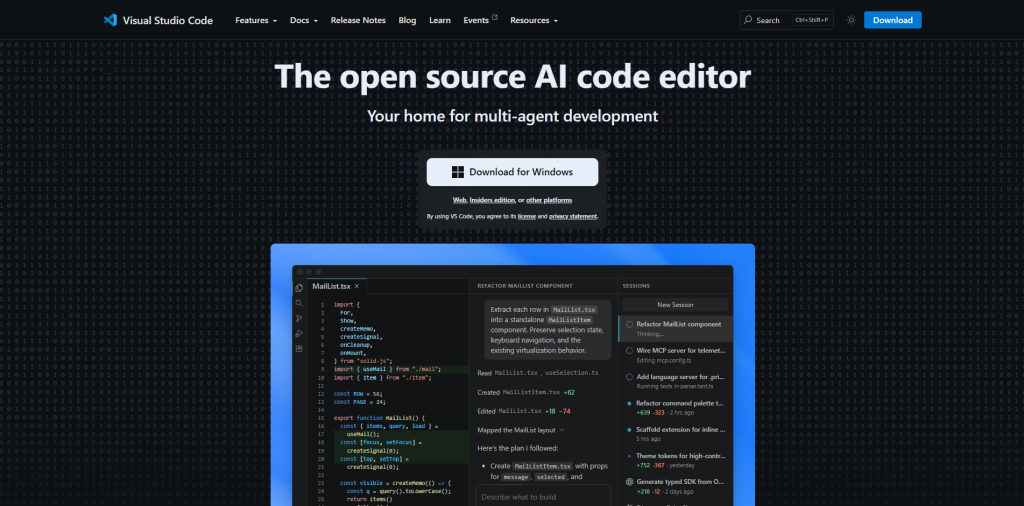
VS Code has become the go-to code editor for many developers. It is particularly popular for being lightweight and free. Additionally, it also supports nearly every programming language through extensions. It adapts to any task, whether you’re writing Python scripts or building a full React app. It has become a default tool. It runs on Windows, macOS, and Linux.
Key features
- Built-in IntelliSense for smart code completion and inline parameter hints
- Integrated terminal and Git support, so you never have to leave the editor
- A massive extension marketplace covering nearly every language and workflow
2. Sublime Text
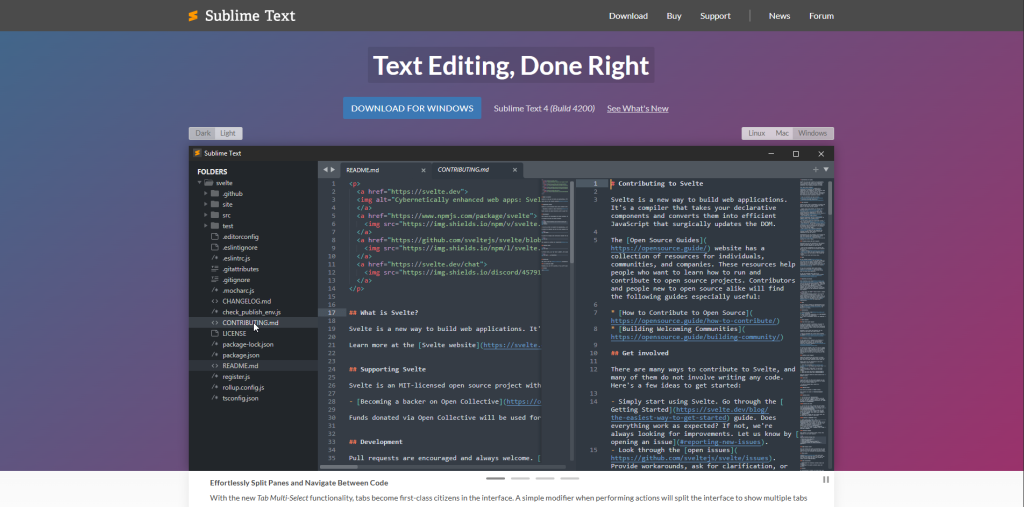
Sublime Text is the editor that is mostly used by developers when they care more for speed than attractive, non-essential features. It opens instantly, handles huge files without lagging or stopping, and keeps things minimal without feeling limiting. It’s a paid tool, though it offers a generous evaluation period before you commit.
Key features
- Multi-caret editing for fast, repetitive changes across a file
- Distraction-free writing mode for focused coding sessions
- Package Control plugin system for themes and added language support
3. JetBrains IDEs (IntelliJ, PyCharm, WebStorm)
JetBrains is not like another general-purpose editor. It does not use just one tool to do everything; rather you get a dedicated IDE built around your exact language, whether that’s Java, Python, or JavaScript. It’s free for non-commercial use, with paid plans for full commercial access.
Key features
- Language-specific code completion and real-time error detection
- Built-in debugging and testing tools, so you’re not switching apps
- Seamless Git integration for version control right inside the IDE
4. Eclipse IDE
In enterprise settings, it’s a go-to solution for Java development. It’s completely open-source, so anybody can use it freely. Additionally, it’s plugin-heavy, which means it can stretch well beyond Java if you’re willing to configure it.
Key features
- Deep Java tooling, including code completion and refactoring support
- A wide plugin ecosystem that extends support to Python, C++, and more
- Built-in project management and version control integration
5. Git
Git is the foundation of modern version control systems. It is difficult to explain how central it is. It was created by Linus Torvalds and is completely free. So, Git is a distributed system that tracks every change to a codebase, so teams can work in parallel without constantly interfering with each other’s work.
Key features
- Distributed version control that works offline, since every developer has a full copy
- Lightweight branching and merging for testing features safely
- Detailed commit history for tracking changes and reverting when needed
6. GitHub
GitHub takes Git and wraps it in collaboration tools that make teamwork actually manageable. It is owned by Microsoft, and it’s where all pull requests, code reviews, and issue tracking are all live. This is why it has become a social hub for software development.
Key features
- Pull requests and code review workflows built for team collaboration
- Built-in CI/CD through GitHub Actions
- A massive open-source community with millions of public repositories
7. GitLab
GitLab brings together the entire DevOps lifecycle, such as planning, coding, testing, and deployment, into one platform instead of stitching several tools together. It is available as both a cloud-hosted and self-managed option, which matters for teams that want more control over their data.
Key features
- Integrated CI/CD pipelines built directly into the platform
- Source code management with branching, pull requests, and code review
- Kanban boards and issue tracking for unified project management
8. Bitbucket
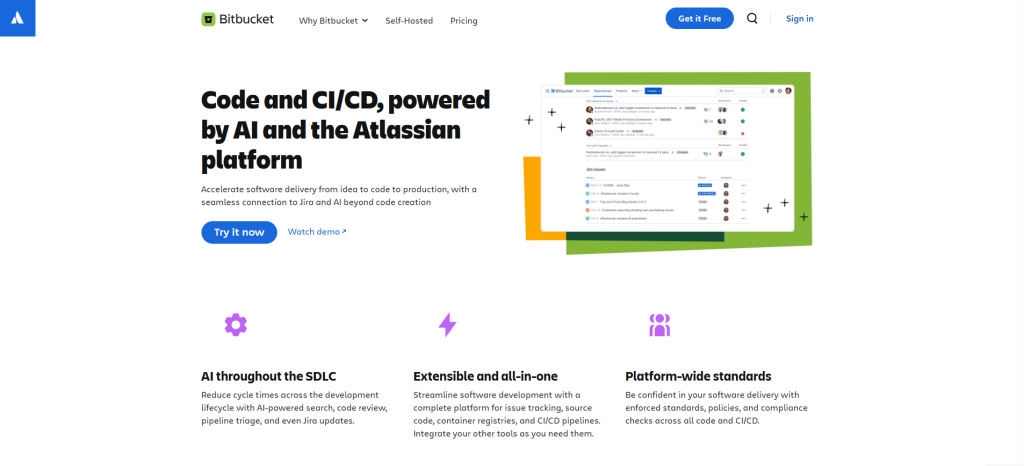
Bitbucket was built by Atlassian. It is a hosting that shines brightest when your team is already living inside Jira and Confluence. It’s worth noting that it dropped Mercurial support back in 2020, so it’s Git-only today, and it’s rarely the first choice for a brand-new project outside the Atlassian ecosystem.
Key features
- Pull requests with required approvers, inline comments, and branch permissions
- Built-in CI/CD through Bitbucket Pipelines
- Deep integration with Jira and Confluence for a connected workflow
9. GitHub Copilot
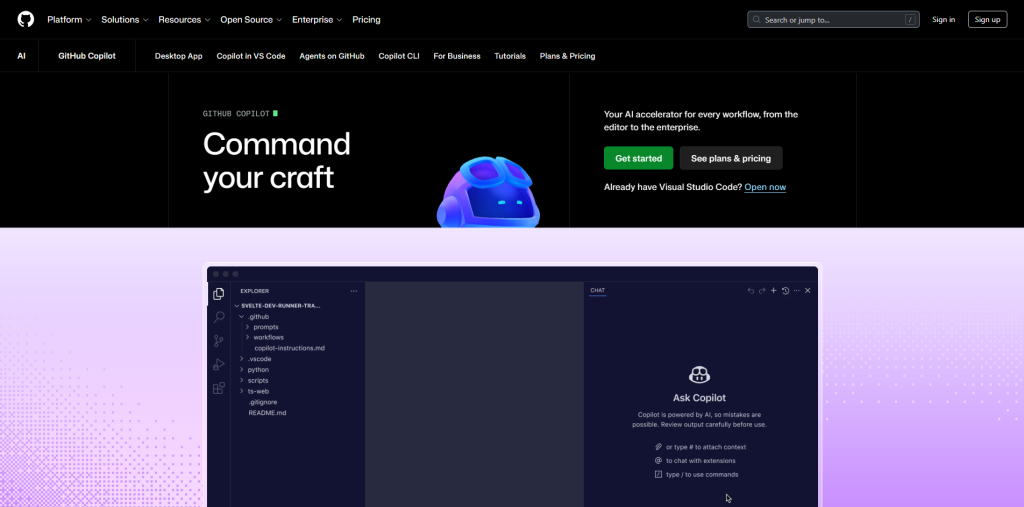
GitHub Copilot was built by GitHub in collaboration with OpenAI. Based on the context, it suggests entire lines or blocks of code in real-time. It may be true that it is no longer the only serious AI coding assistant out there; however, it remains one of the safest enterprise options thanks to its tight integration with GitHub.
Key features
- Context-aware code suggestions across dozens of programming languages
- Interactive Copilot Chat for asking questions and refining suggestions
- Works inside VS Code, JetBrains IDEs, and GitHub Codespaces
10. Windsurf
Windsurf started life as Codeium back in 2022, and it was rebranded in 2025. Currently, it runs as an AI-native IDE built around an agentic assistant called Cascade. Rather than just completing lines of code, Cascade can plan multi-file edits and even run terminal commands on its own. This shift toward autonomous, multi-step coding is part of a broader move toward agentic coding.
Key features
- Fast Context indexing that lets the AI understand your whole project
- Agentic workflows capable of handling multi-step coding tasks
- Available as a standalone editor or as a plugin for VS Code and JetBrains
11. Jira
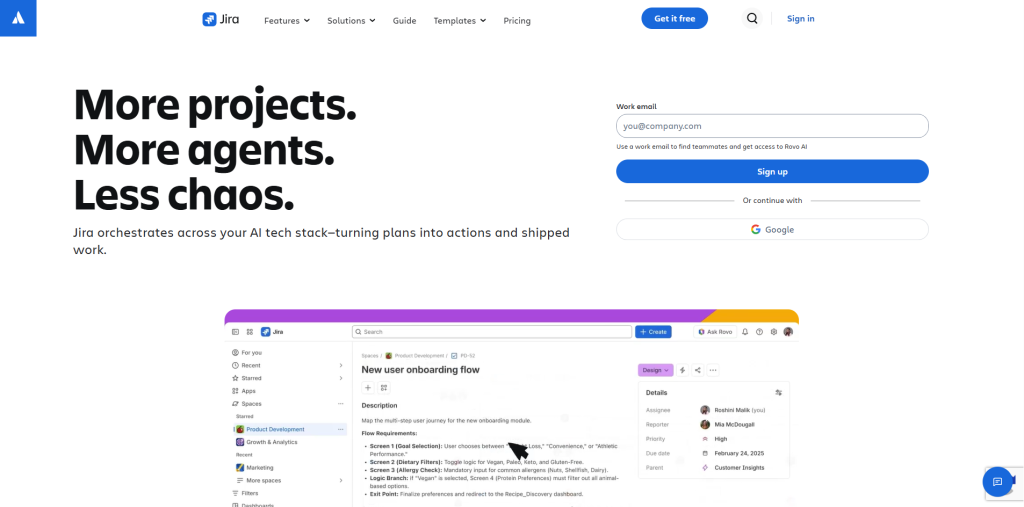
Teams that are running Agile or Scrum prefer Jira as their go-to project management tool. It might not be the most advanced or flashiest tool on this list, but it keeps sprints, backlogs, and deadlines from falling apart behind the scenes.
Key features
- Customizable workflows tailored to how your team actually works
- Real-time issue tracking with detailed reporting
- Tight integration with Confluence, Bitbucket, and the wider Atlassian suite
12. Axure
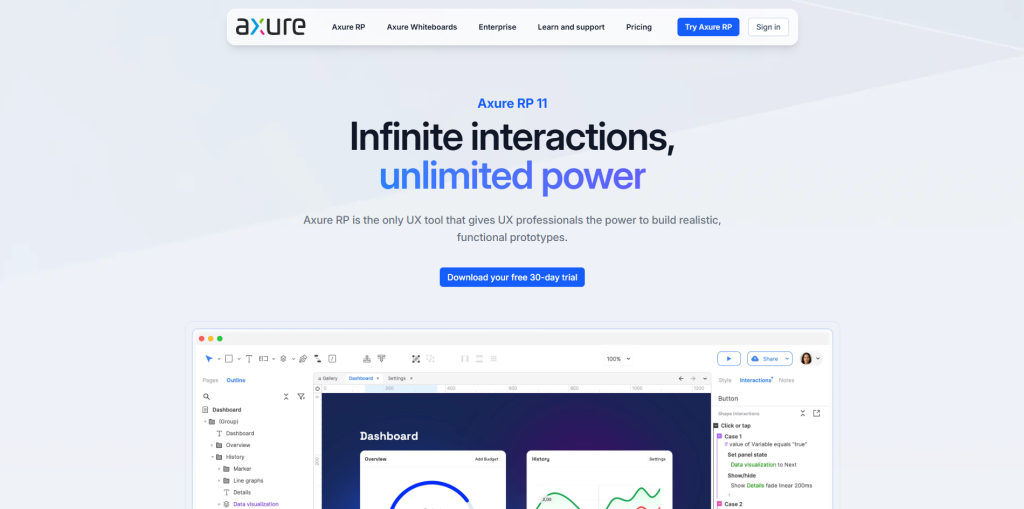
Axure is especially built for design and prototyping. It allows teams to build interactive wireframes before a single line of production code gets written. It’s especially strong for enterprise software where behavior, not just visual polish, is what needs testing.
Key features
- Conditional logic and dynamic content that make prototypes behave like real apps
- Auto-generated specs and documentation for smoother engineering handoff
- Cloud sharing with comments anchored to specific design elements
13. Jenkins
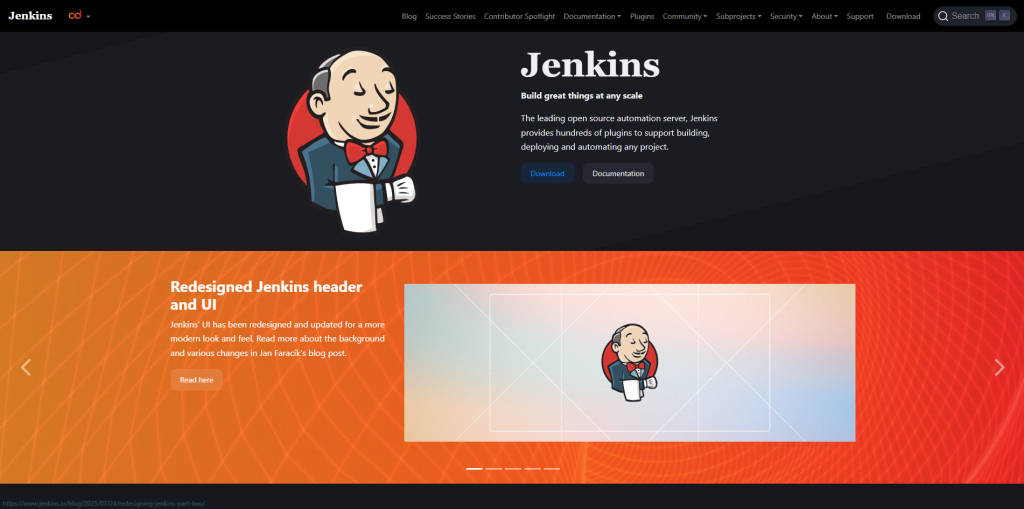
Jenkins has been a CI/CD staple for years. It is popular largely because of how flexible and plugin-friendly it is. It’s rarely the first pick for a brand-new setup these days, but it still wins in on-premises or air-gapped environments where newer cloud-based tools can’t reach.
Key features
- Over 1,000 plugins connecting it to nearly every DevOps tool
- Pipeline as code, so automation workflows can be versioned and shared
- Distributed builds across multiple machines for faster, parallel execution
14. Docker
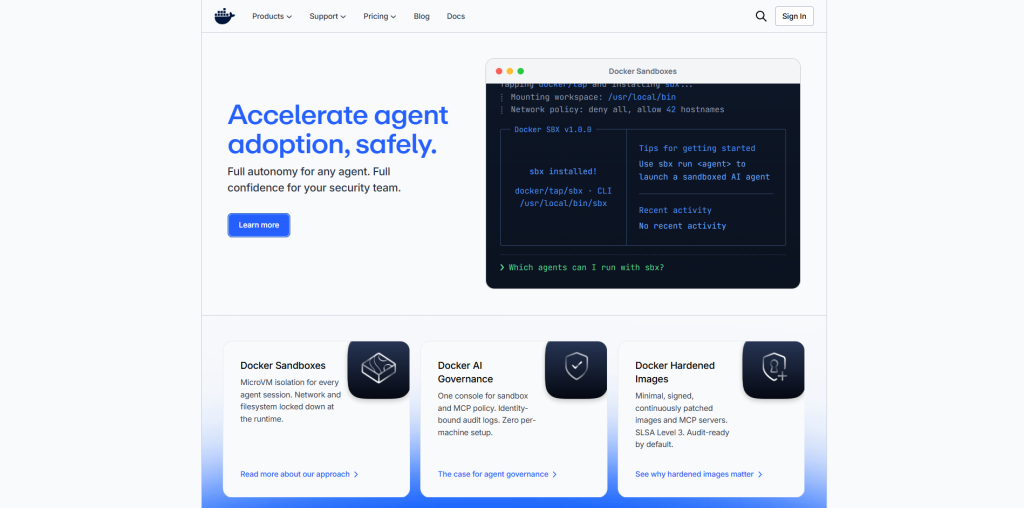
Docker revolutionized the way applications get packaged and shipped. Instead of chasing “it works on my machine” problems, Docker containers bundle everything that an app needs to run consistently anywhere, from a laptop to a production server.
Key features
- Containerization that keeps environments consistent across dev, test, and production
- Docker Hub, a public library of pre-built images for faster setup
- Orchestration support that connects with tools like Kubernetes
15. Kubernetes
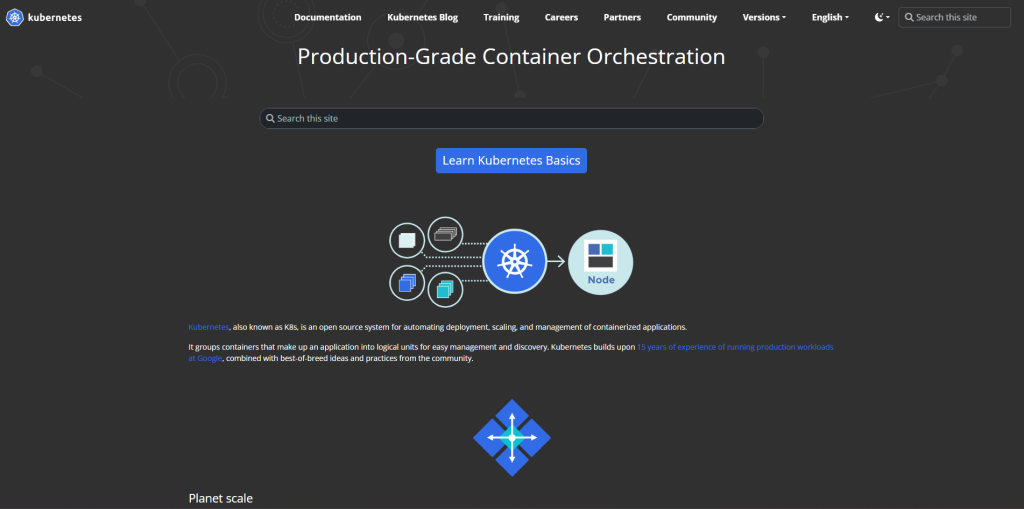
Kubernetes is built by Google, and it takes Docker’s containers and manages them at scale. When you have to run dozens or hundreds of containers across servers, Kubernetes handles and organizes them, so nothing slips through the cracks or falls apart under load.
Key features
- Automated scaling and rolling updates based on real-time demand
- Self-healing that restarts failed containers automatically
- Built-in service discovery and load balancing for smooth traffic distribution
16. Node.js
Node.js lets developers run JavaScript outside the browser, which opened the door to using a single language across both frontend and the backend. It is built on Google’s V8 engine, which makes it fast, efficient, and backed by an enormous package ecosystem.
Key features
- Non-blocking, event-driven architecture built for high-traffic apps
- A massive package ecosystem through NPM
- Well-suited for real-time applications like chat tools and live data feeds
- Anchors many of the popular JavaScript libraries developers rely on today.
17. Bootstrap
Bootstrap remains one of the most widely used frontend frameworks for building responsive interfaces without starting from scratch. It’s worth noting that Tailwind has overtaken it in newer projects since around 2022, but Bootstrap’s massive community and documentation still make it a dependable choice.
Key features
- A responsive, mobile-first grid system that adapts to any screen size
- Pre-styled components like navbars, modals, and forms
- Deep customization options for matching brand guidelines
18. Firebase
Firebase is backed by Google, and it makes the backend development process a lot easier with ready-made services such as authentication, databases, and hosting. Solo developers and small teams favor this the most because it helps them move fast without building backend infrastructure from scratch. Firebase is a good example of how far cloud-based software has come for backend development.
Key features
- Realtime Database and Firestore for instant data synchronization
- Built-in authentication supporting email, Google, and social sign-ins
- Firebase Hosting and Cloud Functions for scalable, serverless backend logic
19. Linx
Linx is a low-code platform that is built for backend automation and system integration. It works well for teams that need to move data between systems, expose internal APIs, or automate scheduled jobs without using Python scripts that nobody wants to maintain.
Key features
- Drag-and-drop builder for REST APIs and backend workflows
- Pre-built connectors for databases, message queues, and SaaS APIs
- Step-by-step, real-time debugging directly on the workflow
20. Sendbird

Sendbird provides ready-made APIs and SDKs for chat, voice, and video, so teams don’t have to build real-time communication infrastructure from scratch. It works well for those teams whose workflow revolves around messaging or product video.
Key features
- Chat SDKs for iOS, Android, web, React Native, and Flutter, with typing indicators and read receipts built in
- Voice and video APIs that handle signaling and media without extra setup
- Moderation tools and analytics dashboards for tracking engagement
21. MySQL Workbench
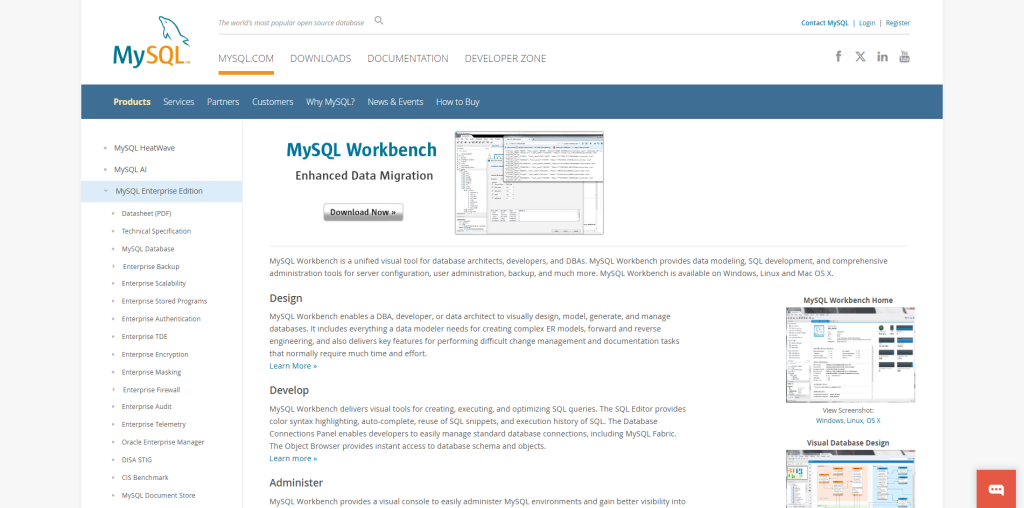
MySQL Workbench was developed by Oracle. It provides developers with a visual way to design, manage, and query MySQL databases. It’s free to use and pulls query building, schema design, and server configuration into one unified interface. It’s a solid entry point into broader database management system concepts, too.
Key features
- Visual database design and modeling for managing complex schemas
- Built-in SQL editor with syntax highlighting and query execution
- Administrative tools covering user management, backups, and server configuration
22. Postman
Postman has become the standard tool to build, test, and document APIs. It has an intuitive interface that makes it easy to create requests, inspect responses, and automate testing, no matter if you’re working alone or across a large team.
Key features
- Request building and response inspection for streamlined API testing
- Collections that let teams automate test scripts and validate functionality
- Shared workspaces for collaborative documentation and monitoring
23. Dynatrace
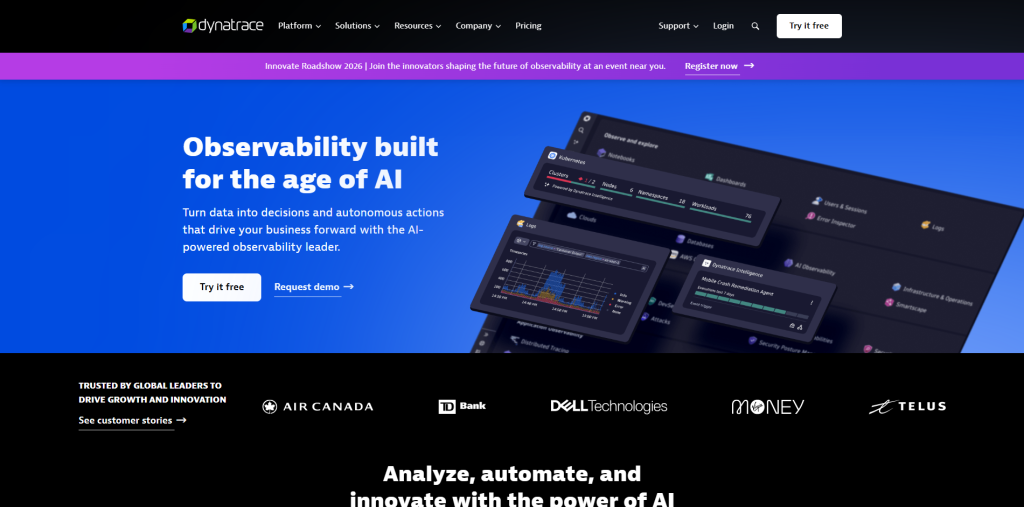
Dynatrace is a platform to monitor application performance. It gives real-time visibility into how applications, infrastructure, and digital experiences are actually performing. Its AI-driven analytics help teams catch and resolve problems before they reach users.
Key features
- Full-stack monitoring from application code down to cloud infrastructure
- AI-powered root-cause analysis that speeds up issue resolution
- User experience monitoring that ties performance directly to customer behavior
24. Amazon Web Services (AWS)
Amazon Web Services (AWS) has established itself as the largest cloud platform out there. It offers everything from computing power to storage to specialized AI and machine learning tools. Often, it is the default choice for teams that are looking for flexible, on-demand infrastructure on a global scale.
Key features
- Elastic computing through EC2 and serverless functions via Lambda
- A global network spanning more than 30 regions and 80 availability zones
- A wide service catalog covering databases, IoT, analytics, and DevOps workflows
25. Microsoft Azure
Azure is Microsoft’s cloud platform, and it’s particularly strong for those organizations that have already invested in the Microsoft ecosystem. It supports IaaS, PaaS, and SaaS models, which give developers and enterprises flexible ways to build and scale.
Key features
- Virtual machines and scalable cloud storage for hosting apps of any size
- Built-in AI and machine learning services, including natural language processing
- DevOps tooling like Azure DevOps and GitHub Actions for CI/CD and automation
Conclusion
Honestly, 25 software development tools are a lot to take in, and that’s kind of the point. There is no developer or team that is going to use all of them. The goal is not to look for one tool that does everything. Rather, it is to understand the landscape well enough that when you encounter a specific problem, whether that’s messy version control, slow deployments, or a backend that needs to be built fast, you already know which tool can solve it.
Software development in 2026 is more than just chasing the newest, shiniest platform. It’s about building a toolkit that actually fits how you and your team work, and knowing when it’s time to swap something out for a better fit.
FAQs About Software Development Tools
Q. What is the most important software development tool for beginners?
A solid code editor like VS Code, paired with Git for version control, covers the basics most beginners need to start building.
Q. Are AI coding assistants replacing traditional development tools?
Not really. Tools like GitHub Copilot speed up coding, but they still work alongside editors, version control, and testing tools rather than replacing them.
Q. Do small teams need CI/CD tools like Jenkins?
It depends on team size and project complexity, but even small teams benefit from automated testing and deployment as their codebase grows.
Q. What’s the difference between Docker and Kubernetes?
Docker packages applications into containers, while Kubernetes manages and scales those containers across multiple servers.
Q. Is AWS or Azure better for cloud hosting?
Both are strong options; AWS offers a wider range of services, while Azure integrates especially well with Microsoft-based environments.

